
What Is M4A? Guide to Apple's Audio Format
M4A is an audio-only file format that stores AAC or ALAC encoded sound inside an MPEG-4 container. The extension was created by Apple to mark files that hold music or speech but no video, distinguishing them from .mp4 files. Today M4A is the default format for iTunes purchases, Apple Music downloads, and most podcast feeds. Because AAC was engineered as the successor to MP3, an M4A file usually sounds cleaner than an MP3 of the same bitrate, especially below 192 kbps. M4A also supports rich metadata, chapter markers, and gapless playback, making it a flexible choice across the modern Apple ecosystem and beyond.
This guide describes format capabilities and settings available in different programs. In WeLoveConvert you select the output format and, for supported images, quality. Codec, bitrate, lossless WebP mode and TIFF page selection are not available in the interface. Compare the result and keep your original.
summarizeKey Takeaways
- check_circleM4A is a container (file wrapper), not a codec — it normally holds AAC (lossy) but can also hold ALAC (lossless) audio.
- check_circleAt identical bitrates, AAC inside M4A typically outperforms MP3 on sound quality, with the gap most audible below 192 kbps.
- check_circleThe MPEG-4 family includes close relatives: .m4b for audiobooks (with chapters), .m4r for iPhone ringtones, and the obsolete DRM-locked .m4p.
- check_circleM4A is natively supported on Apple devices, Android 3.1+, and most modern players, but older car stereos and some Linux apps may need conversion to MP3.
Understanding the M4A Format
M4A is not a codec itself but a container — specifically an MPEG-4 Part 14 container that holds audio-only content. The .m4a extension was created by Apple to distinguish audio-only files from .mp4 files that may contain video. Inside the container, the audio is typically encoded with one of two codecs:
AAC (Advanced Audio Coding) is the most common codec in M4A files. It delivers better sound quality than MP3 at equivalent bitrates, particularly below 192 kbps. AAC is the default encoding when you import CDs in iTunes or purchase songs from the iTunes Store.
ALAC (Apple Lossless Audio Codec) can also be stored in M4A files. ALAC provides lossless compression similar to FLAC, preserving every bit of audio data while reducing file size by about 40-60%. M4A files containing ALAC are sometimes given the .m4a extension or the alternate .m4a extension — the container format is identical.
Advantages and Limitations of M4A
check_circleStrengths
- addSuperior audio quality to MP3 at the same bitrate, thanks to the more efficient AAC codec
- addSmaller files than MP3 for equivalent perceived quality, saving storage and bandwidth
- addFlexible: holds lossy AAC or lossless ALAC in the same .m4a wrapper
- addNative, frictionless support across iPhone, iPad, Mac, and Apple Music
- addRich metadata support including album art, lyrics, chapter markers, and gapless playback flags
- addPart of a versatile family (.m4b audiobooks, .m4r ringtones) sharing one container
cancelTrade-offs
- removeLess universally compatible than MP3, especially on older car stereos and budget players
- removeSome Linux distributions need extra codecs for full AAC/ALAC playback
- removeEasy to confuse with DRM-protected .m4p files from the legacy iTunes Store
- removeALAC files are far larger than AAC, narrowing the size advantage when used losslessly
When to Use M4A (and When Not To)
M4A is the right call whenever audio quality, efficient file size, and Apple compatibility matter more than reaching every legacy device. Reach for MP3 instead when you need a format that plays absolutely everywhere with zero friction.
- Choose M4A for music ripped or purchased inside the Apple ecosystem, where AAC is the native default and gapless playback is preserved.
- Use M4A (AAC) for podcasts and spoken-word audio — its speech compression is highly efficient at low bitrates, and most podcast platforms accept it directly.
- Pick M4A with ALAC when you want lossless archival without the larger footprint of WAV; you can later convert M4A to FLAC for broader lossless support.
- Avoid M4A for older car head units, basic MP3 players, or wide public distribution — convert M4A to MP3 for guaranteed universal playback.
- If you are comparing it against the world's most compatible audio format, read what MP3 is before committing your whole library to M4A.
- For quick one-off changes between any audio formats, the free browser-based WeLoveConvert audio converter handles M4A in either direction.
M4A vs MP3 vs FLAC vs OGG
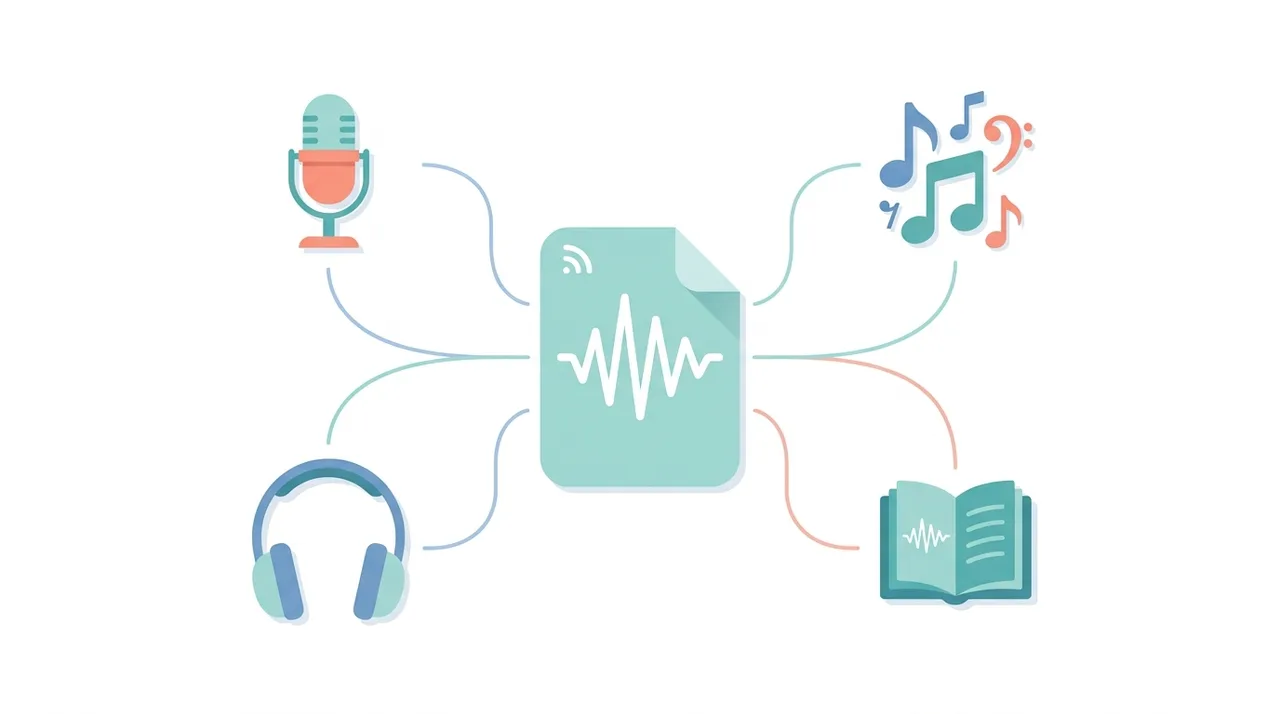
M4A sits between universal MP3 and fully lossless formats. This table compares the four most common audio formats so you can match the right one to your needs — see also what FLAC is for the lossless side.
| Feature | M4A (AAC) | MP3 | FLAC | OGG (Vorbis) |
|---|---|---|---|---|
| Compression type | Lossy (ALAC = lossless) | Lossy | Lossless | Lossy |
| Typical 3-min song size | ~3 MB at 256 kbps | ~3.5 MB at 256 kbps | ~20-25 MB | ~3 MB at 256 kbps |
| Quality at same bitrate | Best of the lossy three | Good | Perfect (lossless) | Very good |
| Apple device support | Native | Native | Limited | None natively |
| Universal compatibility | High | Highest | Medium | Low |
| Metadata & chapters | Rich (art, lyrics, chapters) | Good (ID3) | Good (Vorbis comments) | Good |
How to Convert M4A to MP3 or Other Formats
- 1
Determine your needs
Convert to MP3 for maximum device compatibility, to WAV for editing, or to FLAC for lossless archival (only worthwhile if the M4A contains ALAC).
- 2
Upload your M4A file
Use WeLoveConvert to upload your M4A file. The tool automatically detects whether it contains AAC or ALAC audio.
- 3
Select output format and quality
Choose MP3 at 256-320 kbps for high-quality compatible output. If the source M4A is ALAC, you can convert to FLAC to preserve lossless quality in a more widely supported format.
- 4
Download the result
Save your converted file. Metadata tags are transferred to the output format when supported.
Frequently Asked Questions
What is the difference between M4A and MP4?
Both use the same MPEG-4 container format. M4A is the extension used for audio-only files, while MP4 typically contains both audio and video. Apple introduced the .m4a extension so media players could identify audio-only files without having to open and inspect the file.
Is M4A the same as AAC?
No. M4A is a container format (the file wrapper), while AAC is an audio codec (the compression method). M4A files usually contain AAC audio, but they can also contain ALAC (Apple Lossless). Think of M4A as the box and AAC as what is inside it.
Can Android play M4A files?
Yes, Android has supported M4A/AAC playback since version 3.1 (Honeycomb). All modern Android phones can play M4A files natively without any additional apps.
Is M4A better quality than MP3?
At the same bitrate, M4A (AAC) generally sounds better than MP3. The difference is most noticeable at bitrates below 192 kbps. At 256 kbps and above, both formats deliver excellent quality that most listeners cannot distinguish.
Why do some M4A files not play on my device?
The most common reasons are: DRM protection (older iTunes purchases with .m4p extension), the device lacks AAC decoder support (rare on modern devices), or the file is corrupted. Converting to MP3 solves compatibility issues.
Can I convert M4A to FLAC without losing quality?
Only if the M4A file contains ALAC (lossless) audio. If it contains AAC (lossy) audio, converting to FLAC will preserve what remains but cannot restore the data already discarded during AAC encoding.
What bitrate should I use for M4A files?
For music, 256 kbps AAC (the iTunes Plus standard) offers excellent quality in compact files. For podcasts and speech, 64-96 kbps AAC is sufficient. For lossless, use ALAC encoding within M4A.
What is the difference between M4A, M4B, M4R, and M4P?
All four use the same MPEG-4 audio container but signal different intended uses. M4A is standard audio. M4B adds bookmark and chapter support for audiobooks, so playback resumes where you stopped. M4R is the extension Apple uses for iPhone ringtones. M4P was the old DRM-protected format for purchased iTunes music; Apple dropped DRM in 2009, so new purchases are plain M4A.
What is HE-AAC and how does it relate to M4A?
HE-AAC (High-Efficiency AAC) is an extension of the AAC codec that uses spectral band replication to deliver acceptable quality at very low bitrates, often 32-64 kbps. It is commonly stored inside M4A files for streaming radio, podcasts, and audiobooks where bandwidth matters more than studio fidelity. Standard M4A music files use plain AAC at higher bitrates.
Does converting M4A to MP3 reduce quality?
Yes, slightly. Both AAC and MP3 are lossy, so re-encoding an M4A to MP3 is a second round of lossy compression that can introduce minor artifacts. To minimize loss, export MP3 at 256-320 kbps. The quality drop is usually inaudible at those bitrates, and the gain is playback on virtually any device.
M4A is the audio format that powers Apple's music, podcast, and audiobook ecosystem, pairing the efficient AAC codec with optional lossless ALAC inside a single flexible MPEG-4 container. It delivers cleaner sound than MP3 at the same bitrate and supports rich metadata, but it trades a little universal compatibility for that quality. When you need a file that plays everywhere — or want to extract lossless audio — the free WeLoveConvert audio converter turns M4A into MP3, FLAC, WAV, and more, entirely in your browser.