
How to Convert WAV to MP3: Complete Guide
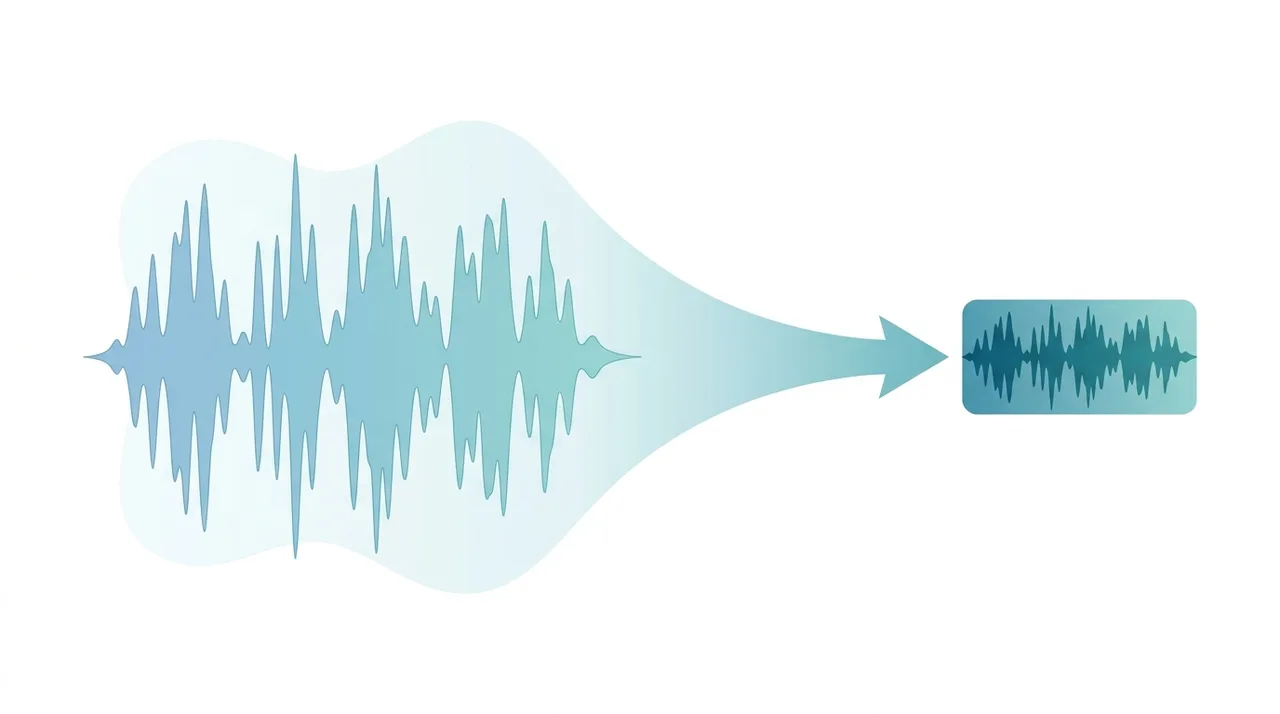
To convert WAV to MP3, upload your WAV file to an audio converter, choose MP3 as the output, pick a bitrate (192-320 kbps for music, 128 kbps for speech), and download the compressed result. The conversion shrinks an uncompressed WAV to roughly one-tenth its size using lossy psychoacoustic encoding, while keeping the difference inaudible to most listeners at higher bitrates. People convert WAV to MP3 to make recordings easy to email, stream, store on phones, and play on virtually any device. This guide focuses on why and when the conversion makes sense and how to get the cleanest possible result.
Try It Now — Free →This guide describes format capabilities and settings available in different programs. In WeLoveConvert you select the output format and, for supported images, quality. Codec, bitrate, lossless WebP mode and TIFF page selection are not available in the interface. Compare the result and keep your original.
summarizeKey Takeaways
- check_circleConverting WAV to MP3 typically cuts file size by 80-90%, turning a ~40 MB song into about 4 MB at 128 kbps.
- check_circleMP3 is lossy and permanent: keep the original WAV as a master, because the discarded audio data cannot be recovered later.
- check_circleBitrate is the key decision: 320 kbps or VBR V0 for music you care about, 128 kbps for podcasts and voice notes.
- check_circleChoose MP3 for universal playback and sharing; keep WAV only for editing, mastering, or CD authoring.
Advantages and Limitations of Converting WAV to MP3
check_circleAdvantages
- addDrastic size reduction — typically 80-90% smaller, freeing storage and bandwidth.
- addPlays on virtually every device, app, and browser with no codec hassle.
- addFaster to upload, email, and stream than bulky WAV files.
- addSupports ID3 tags for artist, title, and album artwork metadata.
- addAdjustable bitrate lets you tune the size-versus-quality balance per use case.
cancelLimitations
- removeLossy and irreversible — discarded audio data cannot be restored by converting back to WAV.
- removeNot suitable as an editing master; repeated re-encoding (transcoding) degrades quality.
- removeLow bitrates (under 128 kbps) audibly dull high frequencies on music.
- removeCannot be used for Red Book CD authoring, which requires uncompressed PCM.
When (and Why) to Convert WAV to MP3
WAV is the right format while you are recording and editing, but MP3 is almost always better the moment you need to share, store, or stream the result. Convert when these situations apply:
- You need to email, upload, or message audio and the WAV is too large for attachment or upload limits — use our WAV to MP3 converter to shrink it in seconds.
- You are publishing a podcast, audiobook, or voice recording where 128 kbps mono delivers clean speech at a fraction of the size.
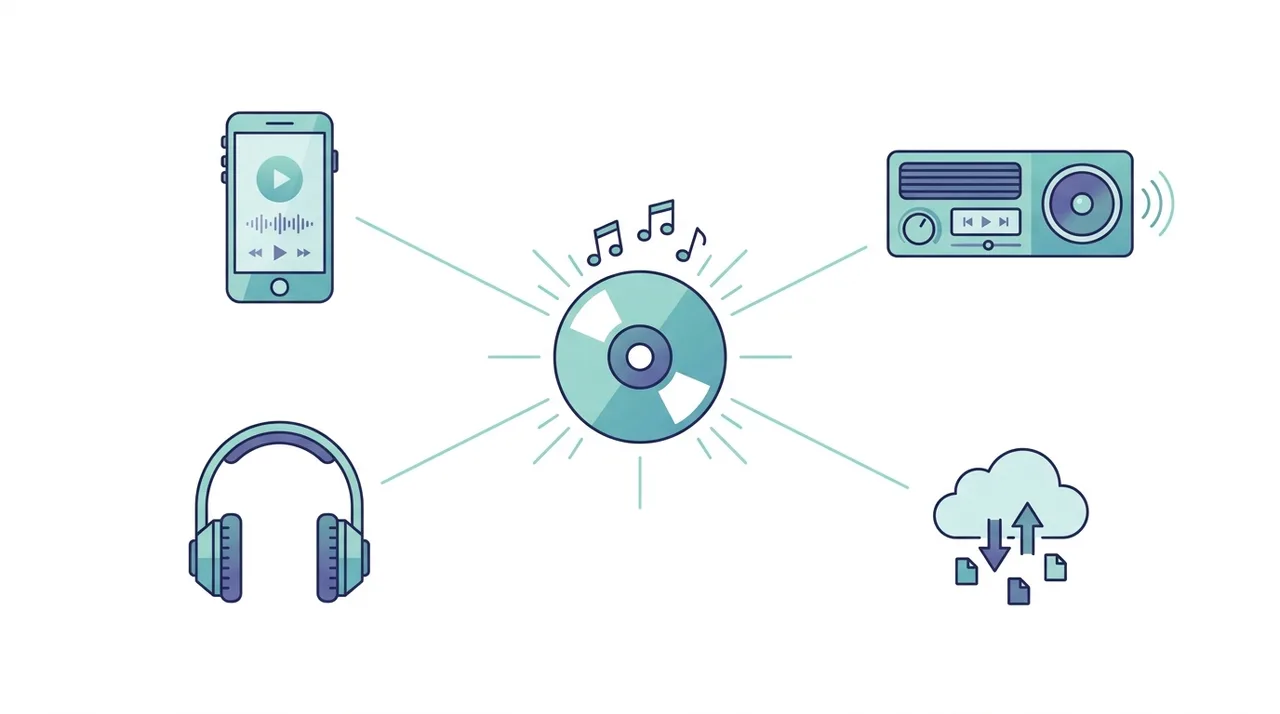
- You want the file to play on every phone, car stereo, smart speaker, and browser without compatibility worries — MP3 is the universal audio standard.
- You are building a music library for mobile devices and want hundreds of tracks to fit where dozens of WAVs would.
- You finished editing in a DAW and are exporting a final distribution copy while keeping the lossless master untouched.
- You only need long-term archival without storage pressure — in that case consider lossless FLAC instead before committing to lossy MP3.
WAV vs MP3 vs AAC: Which Output Fits Your Goal
WAV is your uncompressed source; MP3 is the universal target; AAC is a more modern lossy option worth knowing about. This table contrasts what you gain and give up when converting. For format background, see what is MP3.
| Feature | WAV (source) | MP3 (target) | AAC / M4A (alternative) |
|---|---|---|---|
| Size, 4-min track | ~40 MB | ~4 MB at 128 kbps | ~4 MB at 128 kbps |
| Compression | None (raw PCM) | Lossy | Lossy (more efficient) |
| Quality at 128 kbps | Perfect (reference) | Good | Slightly better than MP3 |
| Universal playback | Wide, but large | Best — plays everywhere | Strong, weaker on old hardware |
| Best role | Editing & mastering | Sharing & streaming | Apple ecosystem, modern apps |
| Re-editable losslessly | Yes | No | No |
Controls available in this converter
Choose the destination format. Encoding settings are automatic: there are no bitrate, sample-rate, bit-depth, VBR, channel, trim or audio-track controls in this workflow. An audio result requires an audio stream in the source; converting a silent video cannot create sound. Lossy-to-lossless conversion cannot recover discarded detail. Listen to the downloaded beginning and ending before using it.
Use the current WeLoveConvert workflow
- 1
Choose the output
Select your WAV file on the device, continue to configuration and confirm MP3 as the destination. Keep an unchanged original.
- 2
Convert locally
Keep the tab open while processing. The engine may download on first use. Large files and unsupported source codecs can fail because browser memory and decoder support vary.
- 3
Download and inspect
Download the completed MP3 file and open it in the application that will use it. Check the content, file size and, where relevant, duration, sound, dimensions and transparency. A format change does not guarantee a smaller file.
Common WAV to MP3 Conversion Issues
MP3 output sounds muffled or lacks brightness
The current workflow chooses its encoding profile automatically. You cannot select bitrate, CRF, sample rate, bit depth, channels, remux, subtitle handling or audio tracks here. Keep the original and check the saved output in the destination application; conversion is not guaranteed to be lossless.
Upload fails or times out
WAV files are very large. A 10-minute recording can be over 100 MB. Check your connection and try again, or split the file into smaller segments first.
Converted MP3 has gaps or stuttering
The current workflow chooses its encoding profile automatically. You cannot select bitrate, CRF, sample rate, bit depth, channels, remux, subtitle handling or audio tracks here. Keep the original and check the saved output in the destination application; conversion is not guaranteed to be lossless.
MP3 metadata is missing after conversion
WAV files have limited metadata. After conversion, use an MP3 tag editor to add artist, title, album, and other ID3 tags to your MP3 files.
Output MP3 is larger than expected
The current workflow chooses its encoding profile automatically. You cannot select bitrate, CRF, sample rate, bit depth, channels, remux, subtitle handling or audio tracks here. Keep the original and check the saved output in the destination application; conversion is not guaranteed to be lossless.
When to Keep WAV Instead of Converting
While MP3 is ideal for distribution, there are cases where you should keep your WAV files.
- Active editing projects in a DAW (Digital Audio Workstation) where you will re-export later
- Master recordings that may need future remixing or remastering
- Audio destined for CD burning, which requires uncompressed PCM
- Source material for other lossy formats (convert from WAV, not from one lossy format to another)
- Archival copies of important recordings where storage space is not a concern
Frequently Asked Questions
What is the best bitrate for MP3?
The current workflow chooses its encoding profile automatically. You cannot select bitrate, CRF, sample rate, bit depth, channels, remux, subtitle handling or audio tracks here. Keep the original and check the saved output in the destination application; conversion is not guaranteed to be lossless.
Does converting WAV to MP3 lose quality?
The current workflow chooses its encoding profile automatically. You cannot select bitrate, CRF, sample rate, bit depth, channels, remux, subtitle handling or audio tracks here. Keep the original and check the saved output in the destination application; conversion is not guaranteed to be lossless.
What is the difference between CBR and VBR?
The current workflow chooses its encoding profile automatically. You cannot select bitrate, CRF, sample rate, bit depth, channels, remux, subtitle handling or audio tracks here. Keep the original and check the saved output in the destination application; conversion is not guaranteed to be lossless.
How much smaller is MP3 compared to WAV?
At 128 kbps, an MP3 is about 10 times smaller than WAV. At 320 kbps, it is about 4 times smaller. A 40 MB WAV song becomes roughly 4-10 MB as MP3.
Should I use mono or stereo for MP3?
The current workflow chooses its encoding profile automatically. You cannot select bitrate, CRF, sample rate, bit depth, channels, remux, subtitle handling or audio tracks here. Keep the original and check the saved output in the destination application; conversion is not guaranteed to be lossless.
Can I convert MP3 back to WAV without quality loss?
You can convert MP3 to WAV, but you cannot recover the audio data that was discarded during MP3 compression. The resulting WAV will have the same quality as the MP3 source.
Is FLAC better than MP3 for archiving?
Yes. FLAC is a lossless format that compresses audio to about 50-60% of WAV size without any quality loss. If storage permits, FLAC is the better archival choice over MP3.
How do I convert WAV to MP3 without losing quality?
There is always some loss because MP3 is lossy, but you can make it inaudible. Encode at 320 kbps CBR or VBR V0 directly from the original WAV, use joint stereo, and never convert from an already-compressed file. At these settings most listeners cannot tell the MP3 from the source.
Why is my WAV file so much bigger than the MP3?
WAV stores raw, uncompressed PCM audio — about 10 MB per minute at CD quality — while MP3 uses psychoacoustic compression to discard data the ear barely perceives. That is why a 40 MB WAV becomes roughly a 4 MB MP3, an 80-90% reduction.
Is it safe to delete the WAV after converting to MP3?
Only if you will never need to re-edit or re-master the audio. The MP3 is a final, lossy copy and cannot be restored to full quality. For music masters or project files, keep the WAV; for casual recordings you only need to play back, deleting it is fine.
Converting WAV to MP3 is the smart final step once your audio is ready to share: you trade a sliver of inaudible quality for files up to 90% smaller that play everywhere. Use 320 kbps or VBR V0 for music, 128 kbps mono for speech, and always encode straight from the lossless source. Keep the original WAV if you may edit again, then run your file through our free WAV to MP3 converter to get a polished, portable result in seconds.
Ready to convert your files? Try our free online converter.
Try It Now — Free →