
What Is MP3? The Complete Guide to the World's Most Popular Audio Format
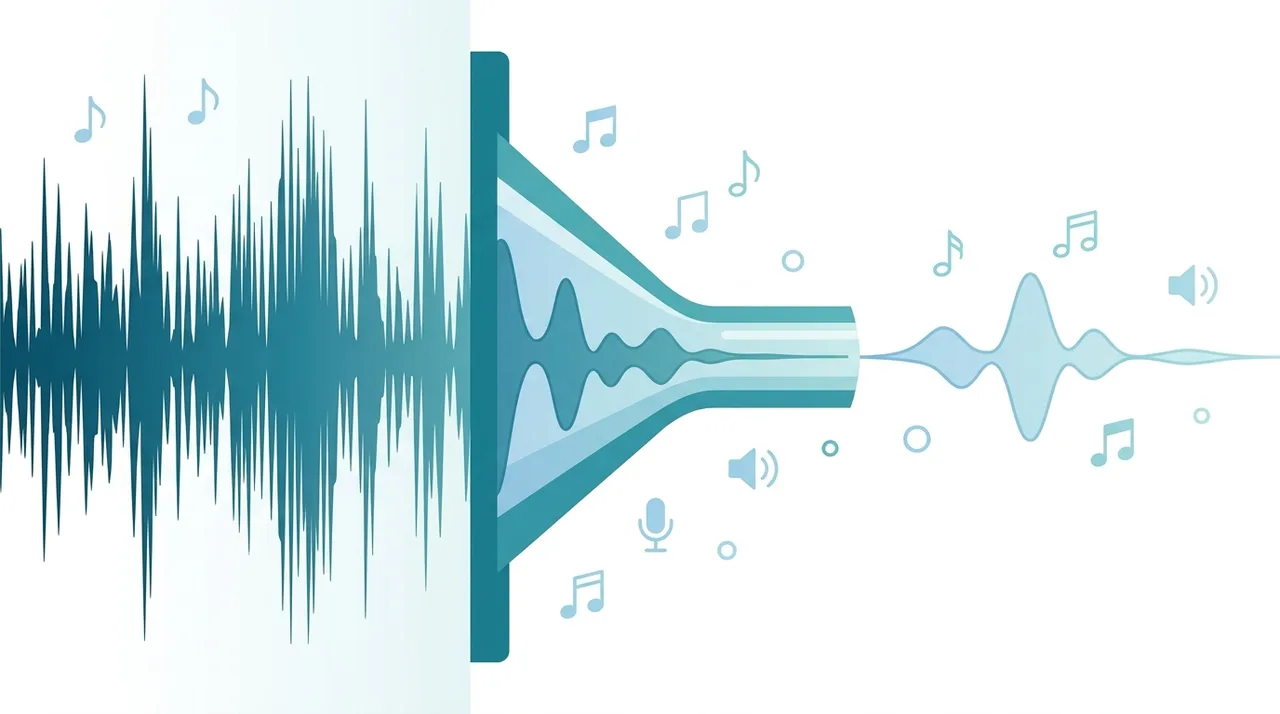
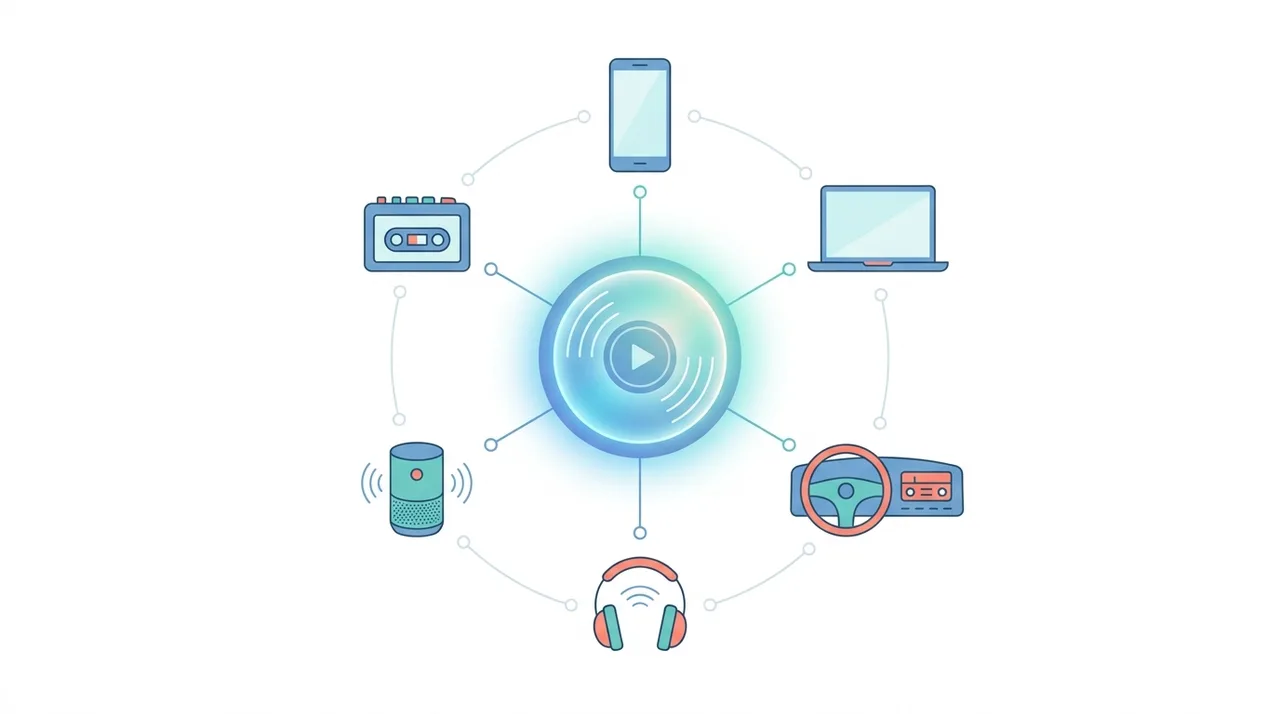
MP3 (MPEG-1 Audio Layer III) is a lossy digital audio format that shrinks files by permanently removing sound your ears are least likely to notice. It is the most universally compatible audio format in the world, playable on virtually every phone, browser, car stereo, and media player without extra software. A typical 320 kbps MP3 is about one-tenth the size of the original CD-quality WAV, which is why MP3 powered the digital music revolution of the 2000s and still dominates podcast distribution today. Despite newer rivals like AAC and Opus, MP3's unmatched device support keeps it the safe default whenever a file simply has to play everywhere.
This guide describes format capabilities and settings available in different programs. In WeLoveConvert you select the output format and, for supported images, quality. Codec, bitrate, lossless WebP mode and TIFF page selection are not available in the interface. Compare the result and keep your original.
summarizeKey Takeaways
- check_circleMP3 is a lossy format: it discards inaudible data to make files roughly 10x smaller than uncompressed WAV.
- check_circleAll MP3 patents expired by 2017, so the format is now royalty-free and effectively public domain.
- check_circleBitrate drives quality: 128 kbps suits speech, while 256-320 kbps is near-transparent for music.
- check_circleIt is the universal compatibility champion, but AAC and Opus encode better at low bitrates.
How MP3 Compression Works
MP3 is a lossy audio codec, meaning it permanently discards audio data deemed less perceptible to human hearing. The encoder applies a psychoacoustic model that analyzes the incoming PCM audio signal and identifies frequency components that fall below the auditory masking threshold. Sounds masked by louder nearby frequencies are removed or reduced in precision. The audio is split into sub-bands using a modified discrete cosine transform (MDCT), and each sub-band is quantized independently based on the psychoacoustic analysis. The resulting data is then Huffman-encoded for additional lossless compression. Standard MP3 supports sample rates of 32, 44.1, and 48 kHz, with bit depths effectively determined by the bitrate setting rather than a fixed value. Bitrate options range from 8 kbps to 320 kbps, with constant bitrate (CBR), variable bitrate (VBR), and average bitrate (ABR) encoding modes available.
Advantages and Limitations of MP3
check_circleAdvantages of MP3
- addPlays on virtually every device and platform ever made, no codecs required.
- addExcellent compression: roughly 10x smaller than the source WAV.
- addRoyalty-free since 2017, with no licensing costs for encoding or playback.
- addRich ID3 metadata for album art, lyrics, and track info.
- addMature, battle-tested encoders (LAME) deliver consistent, reliable results.
- addIndependent frames make seeking and streaming simple.
cancelLimitations of MP3
- removeLossy and irreversible: discarded audio data can never be recovered.
- removeLess efficient than AAC and Opus, especially below 128 kbps.
- removeStereo only, so no surround or spatial audio support.
- removeRe-encoding compounds quality loss, making it a poor master format.
When to Use MP3 (and When Not To)
MP3 is a workhorse, not a master format. Reach for it when reach and compatibility matter more than peak fidelity, and avoid it for archiving or production work.
- Use it for podcasts and audiobooks, where every app supports MP3 and speech compresses cleanly at 96-128 kbps.
- Use it for portable music libraries that must play on any device. Convert lossless masters with WAV to MP3 or FLAC to MP3 at 256-320 kbps.
- Use it for web audio and sharing voice notes by email, where small size and broad browser support win.
- Avoid it as an editing or archival master. Keep a lossless original and only export MP3 at the end.
- Avoid it for surround sound or spatial audio, since MP3 is limited to two channels.
- Need a quick one-off? Our free audio converter handles MP3 in the browser with no upload.
MP3 vs AAC vs FLAC vs Opus: How the Big Audio Formats Compare
MP3's real competition isn't a single codec. Compatibility-first MP3 sits beside the more efficient AAC, the lossless FLAC, and the modern streaming codec Opus. Here is how they stack up for a typical 3-minute song.
| Feature | MP3 | AAC | FLAC | Opus |
|---|---|---|---|---|
| Type | Lossy | Lossy | Lossless | Lossy |
| File size (3-min song) | ~7 MB at 320 kbps | ~6 MB at 256 kbps | ~25 MB | ~3 MB at 128 kbps |
| Quality at low bitrate | Weak below 128 kbps | Strong | N/A (lossless) | Best in class |
| Device compatibility | Near-universal | Very high | Moderate | Growing |
| Max channels | 2 (stereo) | Up to 48 | Up to 8 | Up to 255 |
| Patent / licensing | Royalty-free | Some active | Open / free | Open / free |
| Best for | Universal playback, podcasts | Streaming, Apple devices | Archiving, audiophiles | VoIP, web streaming |
Best Use Cases for MP3
Despite newer alternatives, MP3 remains the optimal choice in several scenarios:
- Podcast distribution: MP3 is the default format for podcast RSS feeds due to universal player support and efficient speech compression.
- Music library portability: when you need files that play on any device without transcoding, MP3 at 256-320 kbps is the safest choice.
- Web audio: background music, sound effects, and audio previews where broad browser compatibility is essential.
- Legacy device support: older car stereos, portable players, and embedded systems that only decode MP3.
- Email and messaging attachments: small file sizes at 128 kbps make MP3 practical for sharing voice recordings.
MP3 Limitations and Quality Considerations
The primary limitation of MP3 is its lossy nature: once audio data is discarded during encoding, it cannot be recovered. Re-encoding an MP3 file causes generational quality loss, so it should never be used as a production master format. At bitrates below 128 kbps, MP3 introduces audible artifacts such as pre-echo, spectral smearing, and a characteristic "swirly" quality on transients and high-frequency content. The format is also limited to two audio channels (stereo), making it unsuitable for surround sound or spatial audio applications. Its frequency response is capped at around 16 kHz at 128 kbps and reaches approximately 20 kHz only at 320 kbps. For archival or professional applications requiring lossless quality, formats like FLAC or WAV are strongly preferred.
How to Convert Audio to MP3
- 1
Choose your source file
Select the audio file you want to convert. Common sources include WAV, FLAC, M4A, OGG, and AAC files.
- 2
Select MP3 as the target format
In your conversion tool, choose MP3 as the output format from the list of available options.
- 3
Configure the bitrate
For music, select 256 or 320 kbps for near-transparent quality. For speech or podcasts, 128 kbps provides excellent clarity at smaller file sizes.
- 4
Start the conversion
Process the file. The conversion typically takes just seconds for standard-length audio tracks.
- 5
Verify and download
Listen to a preview to confirm quality, then download your MP3 file ready for any device or platform.
Frequently Asked Questions
Is MP3 lossy or lossless?
MP3 is a lossy format. It permanently removes audio data using psychoacoustic modeling to reduce file sizes. Once encoded, the discarded information cannot be recovered.
What is the best MP3 bitrate for music?
For most listeners, 256 kbps VBR or 320 kbps CBR provides quality that is virtually indistinguishable from the original in blind listening tests. For casual listening, 192 kbps offers an excellent balance of quality and file size.
Are MP3 patents still enforced?
No. All MP3-related patents expired by April 2017. The format is now effectively in the public domain, and anyone can freely create MP3 encoders or decoders without licensing fees.
Can MP3 files contain album art?
Yes. MP3 supports embedded images through ID3v2 tags. Most media players display embedded album art, and images up to several hundred kilobytes can be included without significantly increasing file size.
Why does my MP3 sound worse than the original?
MP3 compression discards audio data to reduce file size. At lower bitrates (below 128 kbps), artifacts become audible. Always encode from an uncompressed or lossless source, and use at least 192 kbps for music to minimize quality loss.
What is the maximum audio quality MP3 supports?
MP3 supports up to 320 kbps bitrate at 48 kHz sample rate in stereo. This is the highest quality achievable in the format and provides a frequency response up to approximately 20 kHz.
Can I convert MP3 back to WAV without losing quality?
You can convert MP3 to WAV, but this only creates an uncompressed container around the already-degraded audio. The quality lost during MP3 encoding is permanent and cannot be restored by converting to a lossless format.
Is MP3 or AAC better for podcasts?
MP3 is the standard for podcast distribution because every podcast app and RSS reader supports it. While AAC offers slightly better compression efficiency, MP3 guarantees compatibility with all listeners.
How big is a 3-minute MP3 file?
At 320 kbps a 3-minute song is roughly 7 MB; at 128 kbps it drops to about 2.8 MB. As a rule of thumb, file size in megabytes is approximately bitrate (kbps) multiplied by duration (seconds), divided by 8000.
Should I use CBR or VBR for MP3?
Use VBR (variable bitrate) for music: it allocates more data to complex passages and less to simple ones, giving better quality per megabyte. Use CBR (constant bitrate) for streaming or broadcast, where a predictable, steady data rate is required.
Is 320 kbps MP3 worth it over 192 kbps?
For most listeners on typical headphones, 192 kbps VBR is already close to transparent. 320 kbps adds headroom for high-end gear and complex tracks, but doubles the file size. For archiving you should keep a lossless FLAC instead.
More than three decades after its release, MP3 is still the audio format that just works everywhere. It is no longer the most efficient option, but no rival matches its universal compatibility, royalty-free status, and mature tooling, which is exactly why podcasters and casual listeners keep choosing it. For music, export from a lossless source at 256-320 kbps; for speech, 128 kbps is plenty. When you need an MP3 that plays on any device, our free online converter gets you there in seconds.