
FLAC in MP3 konvertieren: Vollstaendige Anleitung
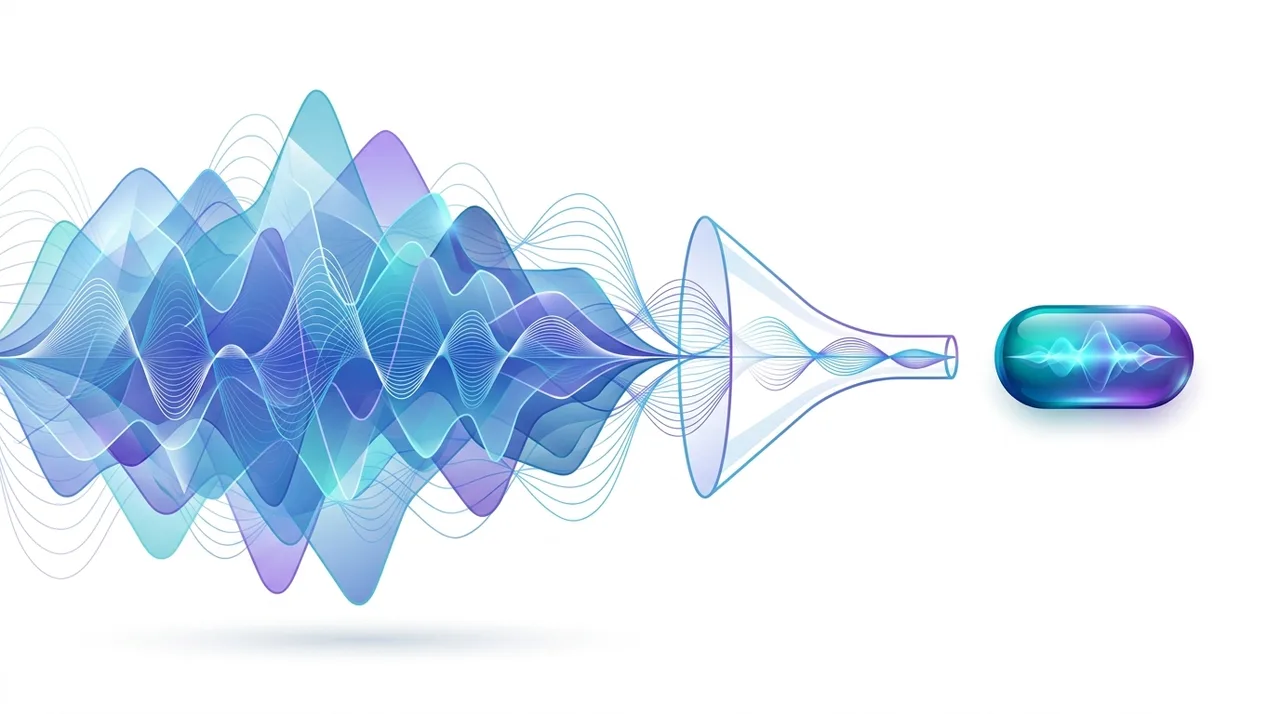
Beim Konvertieren von FLAC zu MP3 wird eine verlustfreie Audiodatei in ein kleineres, universell kompatibles verlustbehaftetes Format umkodiert - das verringert die Dateigröße um 60-85 % bei nahezu transparenter Qualität. Da FLAC bit-perfect ist, eignet es sich ideal als Quelle für die MP3-Kodierung: Es wurde zuvor keine Qualität verworfen, sodass das MP3 so sauber wird, wie das Format es zulässt. Man konvertiert FLAC zu MP3, um riesige Musikbibliotheken auf Smartphones, Autoradios und Bluetooth-Lautsprecher zu bekommen, die FLAC nicht immer abspielen. Behalte die FLAC-Originale als Master-Archiv und behandle die MP3-Kopien als tragbare, jederzeit neu erstellbare Hörversionen.
Jetzt ausprobieren — Kostenlos →Dieser Leitfaden beschreibt Formatfunktionen und Einstellungen verschiedener Programme. In WeLoveConvert wählen Sie das Zielformat und bei unterstützten Bildern die Qualität. Codec, Bitrate, verlustfreies WebP und TIFF-Seitenauswahl sind in der Oberfläche nicht einstellbar. Vergleichen Sie das Ergebnis und behalten Sie das Original.
summarizeDas Wichtigste in Kürze
- check_circleFLAC zu MP3 verkleinert Dateien um rund 60-85 %: Aus einem 25-MB-Lossless-Track wird ein 4-7 MB großes MP3, das überall passt.
- check_circleMP3 aus verlustfreiem FLAC zu kodieren liefert die bestmögliche MP3-Qualität - einmal mit 320 kbps CBR oder V0 VBR kodieren für transparente Ergebnisse.
- check_circleKonvertiere, wenn du universelle Wiedergabe brauchst (Smartphones, Autos, ältere Player); verzichte darauf beim Archivieren oder Bearbeiten, wo FLACs verlustfreie Daten zählen.
- check_circleBehalte immer die FLAC-Originale - MP3 verwirft Daten dauerhaft, und verlustfreie Qualität lässt sich aus einem MP3 nicht wiederherstellen.
Vorteile und Grenzen von FLAC zu MP3
check_circleVorteile
- addEnorme Größenreduktion - Tausende Songs passen auf Smartphone oder USB-Stick
- addUniverselle Wiedergabe auf praktisch jedem Gerät, jeder App und jedem Autosystem
- addBestmögliche MP3-Qualität, weil die FLAC-Quelle verlustfrei und unangetastet ist
- addStandard-Tags (Künstler, Album, Titel) werden von Vorbis Comments zu ID3 übertragen
- addEine ganze FLAC-Bibliothek lässt sich einfach in einem Durchgang stapelweise konvertieren
cancelGrenzen
- removeDie Konvertierung ist unumkehrbar - verworfene Audiodaten sind nicht wiederherstellbar
- removeHi-Res-FLAC (96/192 kHz) muss heruntergerechnet werden, da MP3 bei 48 kHz endet
- removeMehrkanal-FLAC (5.1) wird auf Stereo gemischt; MP3 hat kein echtes Surround
- removeOhne bit-perfekte Treue sind MP3-Kopien für Mastering oder Bearbeitung ungeeignet
Wann (und Warum) FLAC zu MP3 Konvertieren
FLAC ist ideal zum Archivieren, aber schwer und nicht überall unterstützt. MP3 ist die sichere Wahl, wenn Kompatibilität und Speicherplatz wichtiger sind als bit-perfekte Wiedergabetreue. Konvertiere FLAC zu MP3 in diesen Fällen:
- Du lädst Musik auf ein Smartphone, eine Smartwatch, ein Autoradio oder einen Bluetooth-Lautsprecher mit wenig Speicher oder ohne FLAC-Unterstützung - konvertiere FLAC zu MP3 für sichere Wiedergabe.
- Du willst Speicher sparen: Eine MP3-Bibliothek ist 3-5x kleiner als die entsprechende FLAC-Sammlung.
- Du teilst Tracks per E-Mail oder Messenger, wo große FLAC-Dateien die Anhangsgrenzen überschreiten.
- Du hast CDs zur Archivierung in FLAC gerippt und willst nun leichte Kopien für den Alltag, während die FLAC-Master unangetastet bleiben.
- Du arbeitest auch mit anderen verlustfreien Quellen - WAV zu MP3 folgt derselben Lossless-zu-Lossy-Logik, wenn deine Originale unkomprimiert sind.
- Konvertiere NICHT, wenn du das Audio bearbeiten, mastern oder langfristig sichern willst - behalte dafür FLAC oder ein anderes verlustfreies Format.
FLAC vs MP3 vs AAC: Welches Zielformat?
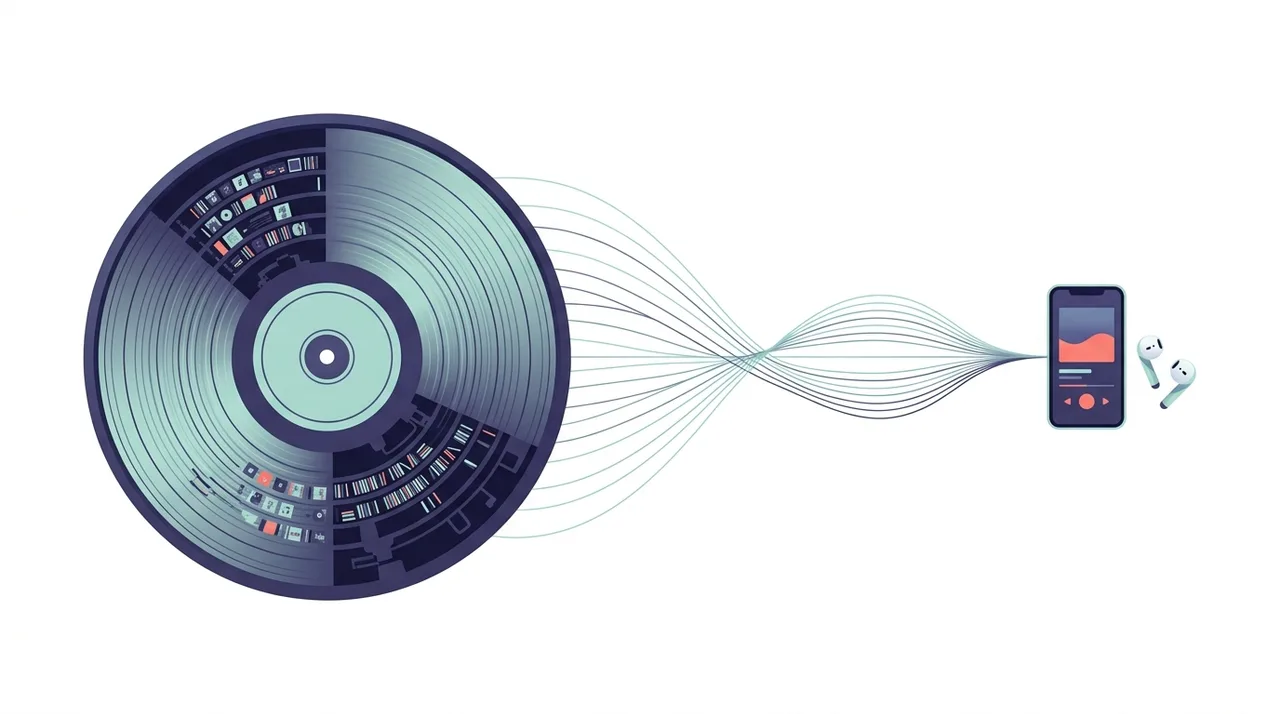
FLAC ist deine verlustfreie Quelle; die Frage ist, in welches verlustbehaftete Format du konvertierst. MP3 punktet mit universeller Kompatibilität, während AAC pro Kilobyte etwas mehr Qualität bietet. So schneiden sie ab, bevor du dich entscheidest (mehr über MP3).
| Feature | FLAC (Quelle) | MP3 (Ziel) | AAC (Alternative) |
|---|---|---|---|
| Kompression | Verlustfrei | Verlustbehaftet | Verlustbehaftet |
| Typische Größe (4-Min-Song) | ~25 MB | ~5-10 MB | ~4-8 MB |
| Qualität bei ~256 kbps | Bit-perfect | Nahezu transparent | Transparent (etwas besser als MP3) |
| Gerätekompatibilität | Eingeschränkt | Universell | Sehr breit (Apple-orientiert) |
| Bester Einsatz | Archivieren, Bearbeiten | Mobil, Teilen, Autos | Apple-Ökosystem, Streaming |
| Für Nachbearbeitung | Ausgezeichnet | Schlecht | Schlecht |
Den aktuellen WeLoveConvert-Ablauf verwenden
- 1
Ausgabe wählen
Wählen Sie die FLAC-Datei auf Ihrem Gerät, fahren Sie zur Konfiguration fort und bestätigen Sie MP3 als Zielformat. Bewahren Sie das Original unverändert auf.
- 2
Lokal konvertieren
Lassen Sie den Tab während der Verarbeitung geöffnet. Die Engine wird möglicherweise beim ersten Einsatz heruntergeladen. Große Dateien und inkompatible Quellcodecs können an Speichergrenzen oder der Decoder-Unterstützung des Browsers scheitern.
- 3
Herunterladen und prüfen
Laden Sie die fertige MP3-Datei herunter und öffnen Sie sie in der Zielanwendung. Prüfen Sie Inhalt, Dateigröße und gegebenenfalls Dauer, Ton, Abmessungen und Transparenz. Ein Formatwechsel garantiert keine kleinere Datei.
Verfügbare Einstellungen in diesem Konverter
Wählen Sie das Zielformat. Die Kodierung erfolgt automatisch; Bitrate, Abtastrate, Bittiefe, VBR, Kanäle, Schnitt und Audiospur sind in diesem Ablauf nicht einstellbar. Die Quelle muss Ton enthalten: Ein stummes Video erhält durch Konvertierung keinen Ton. Die Umwandlung in ein verlustfreies Format stellt verworfene Details nicht wieder her. Hören Sie Anfang und Ende der heruntergeladenen Datei an.
Vorteile der Konvertierung aus FLAC statt CD
FLAC-Dateien sind die ideale Quelle fuer die MP3-Konvertierung. Hier ist der Grund.
- FLAC ist bit-perfekt: Das dekodierte Audio ist identisch mit der urspruenglichen CD oder Master-Aufnahme
- Keine physischen Medienfehler: Im Gegensatz zum Rippen von CD sind FLAC-Dateien verifiziert und fehlerfrei
- FLAC bewahrt Metadaten: Albumcover, Titelinformationen und ReplayGain-Daten koennen auf MP3 uebertragen werden
- Stapelverarbeitung ist einfach: Konvertieren Sie eine gesamte FLAC-Musikbibliothek in MP3 in einem Vorgang
- Zukunftssicher: Behalten Sie FLAC als Ihr Archiv und erzeugen Sie MP3 jederzeit in beliebiger Bitrate
Haeufige Probleme bei der FLAC-zu-MP3-Konvertierung
Hi-Res-FLAC-Konvertierung (24-Bit/96 kHz) erzeugt Artefakte
Der aktuelle Ablauf wählt das Kodierungsprofil automatisch. Bitrate, CRF, Abtastrate, Bittiefe, Kanäle, Remux, Untertitel und Audiospuren sind hier nicht auswählbar. Bewahren Sie das Original auf und prüfen Sie die gespeicherte Ausgabe in der Zielanwendung. Verlustfreie Konvertierung ist nicht garantiert.
Albumcover ist nicht in der MP3-Ausgabe enthalten
Nicht alle Konverter betten Albumcover aus FLAC in die resultierende MP3 ein. Moeglicherweise muessen Sie einen Tag-Editor verwenden, um das Albumcover nach der Konvertierung hinzuzufuegen.
Luckenlose Wiedergabe funktioniert bei MP3s nicht
FLAC unterstuetzt nativ echte luckenlose Wiedergabe. MP3 erfordert Encoder-Delay-Informationen in LAME-Headern fuer Luckenlosigkeit. Stellen Sie sicher, dass Sie einen LAME-basierten Encoder verwenden, der korrekte luckenlose Informationen schreibt.
Mehrkanal-FLAC (5.1 Surround) kann nicht konvertiert werden
Standard-MP3 unterstuetzt nur Mono und Stereo. Mehrkanal-FLAC muss waehrend der Konvertierung auf Stereo heruntergemischt werden. Die meisten Konverter handhaben dies automatisch.
Häufig gestellte Fragen
Kann man den Unterschied zwischen FLAC und 320 kbps MP3 hoeren?
In Blindhoertests koennen die meisten Menschen FLAC nicht zuverlaessig von 320 kbps MP3 oder V0 VBR MP3 unterscheiden. Der Unterschied, falls vorhanden, ist extrem subtil und haengt von der spezifischen Aufnahme und Hoerausruestung ab.
Ist FLAC zu MP3 besser als CD zu MP3?
Die Audioqualitaet ist identisch, da FLAC eine bit-perfekte Kopie der CD ist. Die FLAC-Konvertierung ist jedoch bequemer, vermeidet CD-Lesefehler und bewahrt Metadaten automatisch.
Sollte ich meine FLAC-Dateien nach der Konvertierung in MP3 behalten?
Der aktuelle Ablauf wählt das Kodierungsprofil automatisch. Bitrate, CRF, Abtastrate, Bittiefe, Kanäle, Remux, Untertitel und Audiospuren sind hier nicht auswählbar. Bewahren Sie das Original auf und prüfen Sie die gespeicherte Ausgabe in der Zielanwendung. Verlustfreie Konvertierung ist nicht garantiert.
Was ist die beste VBR-Einstellung fuer FLAC zu MP3?
V0 (Durchschnitt von ~245 kbps) ist der Goldstandard fuer transparentes VBR-MP3. V2 (~190 kbps) ist ebenfalls hervorragend und spart mehr Platz. Beide gelten weithin als hoerbar verlustfrei fuer die meisten Inhalte.
Wie viel kleiner ist MP3 im Vergleich zu FLAC?
Eine 320 kbps MP3 ist typischerweise 60-70 % kleiner als FLAC. Eine V0 VBR MP3 ist etwa 70-75 % kleiner. Eine V2 VBR MP3 ist etwa 75-80 % kleiner als das urspruengliche FLAC.
Bewahrt die FLAC-zu-MP3-Konvertierung Metadaten?
Die meisten Konverter uebertragen Standard-Tags (Kuenstler, Album, Titel, Titelnummer) von Vorbis Comments in FLAC zu ID3-Tags in MP3. Die Uebertragung von Albumcover haengt vom Konverter ab.
Kann ich FLAC auf meinem Telefon in MP3 konvertieren?
Ja, es gibt mobile Apps, die FLAC in MP3 konvertieren koennen. Der Prozess ist jedoch CPU-intensiv und kann auf aelteren Telefonen langsam sein. Online-Konverter funktionieren auf jedem Geraet mit Browser.
Warum FLAC zu MP3 konvertieren, statt FLAC einfach zu behalten?
MP3 ist deutlich kleiner und läuft auf praktisch jedem Gerät, jeder App und jedem Autoradio, während FLAC außerhalb von Computern und speziellen Playern noch lückenhaft unterstützt wird. Die Konvertierung liefert tragbare, kompatible Kopien für den Alltag, während du die FLAC-Dateien als Master-Archiv behältst.
Verliert FLAC zu MP3 an Qualität?
Ja, MP3 ist ein verlustbehaftetes Format, daher werden manche Audiodaten dauerhaft verworfen. Da FLAC jedoch eine perfekte Quelle ist, fällt der Verlust minimal aus - bei 320 kbps CBR oder V0 VBR hören die meisten unter normalen Bedingungen keinen Unterschied.
Welche Bitrate sollte ich bei FLAC zu MP3 wählen?
Für transparente Ergebnisse in Audiophilen-Qualität wähle 320 kbps CBR oder V0 VBR (Durchschnitt ~245 kbps). Für den Alltag mit kleineren Dateien sind 192 kbps oder V2 VBR ausgezeichnet. Bleibe nicht unter 128 kbps, wenn dir Qualität wichtig ist.
FLAC zu MP3 zu konvertieren ist der klügste Weg, eine verlustfreie Musiksammlung mobil zu machen: Du behältst die bit-perfekten FLAC-Master zum Archivieren und erzeugst kompakte, universell abspielbare MP3-Kopien, wann immer du sie brauchst. Kodiere mit 320 kbps CBR oder V0 VBR für transparente Qualität, und du wirst auf keinem Gerät einen Unterschied bemerken. Bereit, deine Tracks zu komprimieren? Nutze unseren kostenlosen FLAC-zu-MP3-Konverter und erledige es in Sekunden, direkt im Browser.
Bereit, Ihre Dateien zu konvertieren? Probieren Sie unseren kostenlosen Online-Konverter aus.
Jetzt ausprobieren — Kostenlos →