
What Is FLAC? The Lossless Audio Format Explained
FLAC (Free Lossless Audio Codec) is a free, open-source audio format that shrinks files by 30-60% versus WAV while keeping the audio mathematically identical to the source. Created by Josh Coalson in 2001 and maintained by the Xiph.Org Foundation, FLAC became a reference standard for lossless audio because it is patent-free, royalty-free, and verifiable bit-for-bit. Where MP3 throws data away forever, FLAC reconstructs the original samples exactly on playback. That combination of perfect fidelity, real compression, and rich metadata is why audiophiles, archivists, and lossless streaming services like Tidal and Qobuz rely on it.
This guide describes format capabilities and settings available in different programs. In WeLoveConvert you select the output format and, for supported images, quality. Codec, bitrate, lossless WebP mode and TIFF page selection are not available in the interface. Compare the result and keep your original.
summarizeKey Takeaways
- check_circleFLAC is lossless: decoded audio is bit-for-bit identical to the source, unlike lossy MP3 or AAC.
- check_circleIt compresses 30-60% smaller than WAV with zero quality loss, thanks to linear prediction plus Rice coding.
- check_circleFLAC is fully open-source, patent-free, and royalty-free, with no licensing cost to use or distribute.
- check_circleIt is the backbone of hi-res and lossless streaming (Tidal, Qobuz) but needs ALAC or a third-party app on iOS.
How FLAC Lossless Compression Works
FLAC compression works by finding and encoding patterns in the audio data rather than discarding information. The encoder first applies linear prediction, estimating each audio sample based on previous samples. The difference between the prediction and the actual value (the residual) is then encoded using Rice coding, a variable-length encoding that is highly efficient for the small residual values typical in audio.
The key guarantee is that decompressing a FLAC file produces a bit-for-bit identical copy of the original audio data. This is mathematically verifiable — FLAC files include MD5 checksums of the original audio that decoders can verify. Compression levels range from 0 (fastest, least compression) to 8 (slowest, most compression), but the difference between levels is only in encoding speed and file size — decoded quality is always identical.
Advantages and Limitations of FLAC
check_circleAdvantages
- addMathematically lossless with a built-in MD5 checksum to verify a perfect decode
- add30-60% smaller than WAV while staying bit-identical to the original
- addOpen-source, patent-free, and royalty-free for any use or distribution
- addSupports up to 32-bit depth and 655 kHz sampling for hi-res audio
- addRich Vorbis-comment metadata, embedded cover art, cue sheets, and gapless playback
- addWide native support on Android, Windows, Linux, and most modern hi-fi hardware
cancelLimitations
- removeFiles are roughly 3-5x larger than a 320 kbps MP3, so storage adds up fast
- removeNo native playback in the iOS Music app: needs ALAC or a third-party player like VLC
- removeNo lossy mode, so you cannot trade quality for tiny mobile-friendly files
- removeDecoding adds slight CPU overhead versus uncompressed WAV on very low-power devices
When to Use FLAC (and When Not To)
FLAC is the right tool whenever long-term quality matters more than the smallest possible file. Reach for it in these situations, and convert out of it when portability or compatibility takes priority.
- Archiving CDs or master recordings you may need to re-encode later, since you can always convert FLAC to MP3 or any other format without re-ripping.
- Building a permanent home library where you want one pristine master copy per track.
- Listening on a DAC, headphone amp, or hi-fi system where 24-bit/96 kHz hi-res detail is audible.
- Streaming or downloading from lossless services like Tidal and Qobuz that deliver FLAC natively.
- Skip FLAC for tight phone storage or older car stereos: convert FLAC to WAV for DAW editing or use our audio converter to make a smaller, universally compatible copy.
- Choose lossy MP3 or AAC instead when you need maximum device reach and the smallest files.
FLAC vs ALAC vs MP3 vs WAV
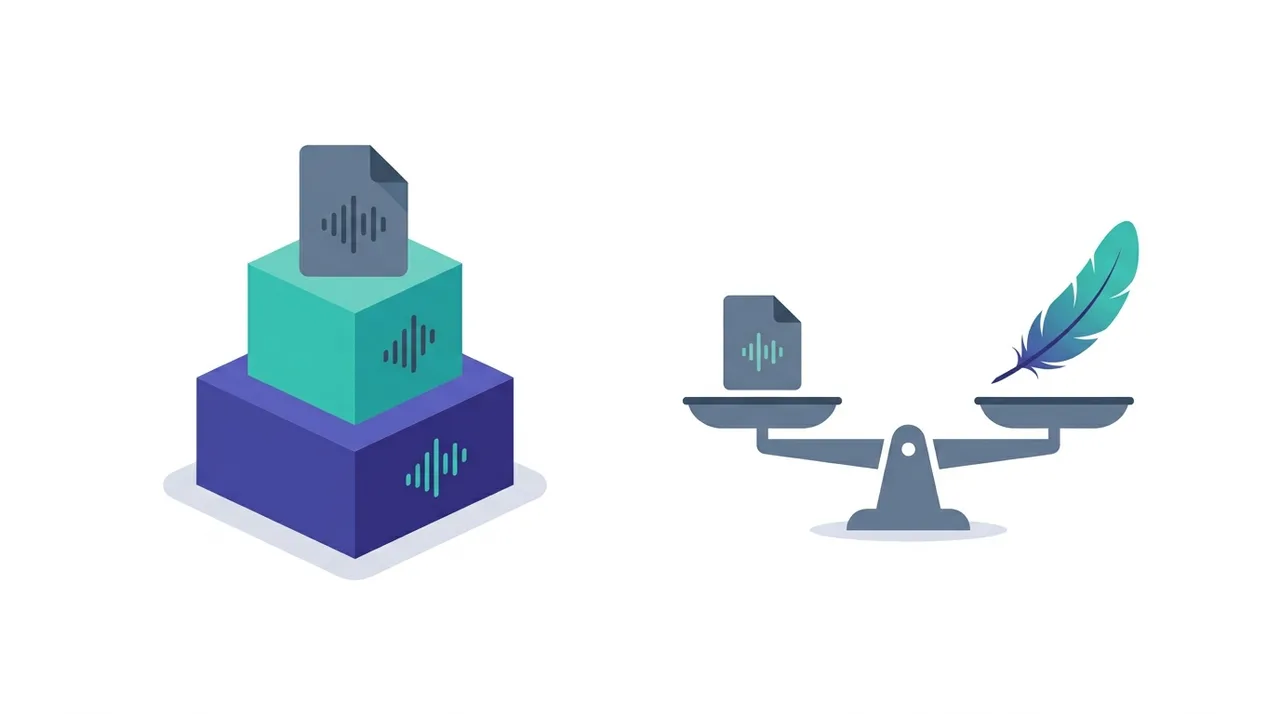
FLAC competes with another lossless codec, ALAC, and sits between uncompressed WAV and lossy MP3. Here is how a typical 4-minute, 16-bit/44.1 kHz track compares.
| Feature | FLAC | ALAC | MP3 | WAV |
|---|---|---|---|---|
| Compression | Lossless | Lossless | Lossy | None |
| File size (4-min track) | 20-35 MB | 22-36 MB | 3-10 MB | 40-50 MB |
| Quality vs source | Identical | Identical | Reduced | Identical |
| Licensing | Open, royalty-free | Open since 2011 | Patents expired | Royalty-free |
| iOS native playback | Files app only | Full (Apple Music) | Full | Full |
| Max resolution | 32-bit / 655 kHz | 32-bit / 384 kHz | 16-bit / 48 kHz | Container-limited |
| Best for | Archiving, hi-fi | Apple ecosystem | Portability | Editing |
Best Use Cases for FLAC
- Building a permanent music library where quality preservation is the top priority
- Archiving CD collections in perfect digital copies that can always be converted later
- Hi-res audio playback on audiophile equipment (DACs, headphone amps)
- Music production as a delivery format when clients need lossless quality
- Storing master recordings that may need to be re-encoded to different formats in the future
- Tidal, Qobuz, and other lossless streaming platforms that deliver FLAC content
How to Convert FLAC to MP3 or Other Formats
- 1
Decide why you are converting
Convert to MP3 for device compatibility and smaller files. Convert to WAV for DAW compatibility. Convert to ALAC for Apple lossless ecosystem.
- 2
Upload your FLAC file
Use WeLoveConvert to upload your FLAC file. All processing happens in your browser — your music never leaves your device.
- 3
Choose quality settings
For MP3 output, use 320 kbps for best quality or V0 VBR for optimal quality-to-size ratio. For WAV, no settings needed — the output is an exact copy of the audio data.
- 4
Download your converted file
Save the converted file. If you converted to MP3, metadata tags from the FLAC file are preserved in the output.
Frequently Asked Questions
Is FLAC really lossless?
Yes. FLAC is mathematically lossless — decompressing a FLAC file produces a bit-for-bit identical copy of the original PCM audio. Each FLAC file contains an MD5 checksum that can verify the decoded output matches the original source exactly.
Can you hear the difference between FLAC and MP3?
It depends on the bitrate, equipment, and listener. Most people cannot distinguish FLAC from MP3 at 320 kbps on standard headphones. However, on high-quality audio systems, trained listeners can sometimes detect subtle differences, especially in complex orchestral music or high-frequency transients.
Why are FLAC files so much bigger than MP3?
MP3 achieves small file sizes by permanently removing audio information deemed less audible. FLAC preserves every single bit of audio data and relies solely on mathematical patterns to reduce size, resulting in files that are 3-5x larger than MP3 but identical in quality to the original.
Does FLAC work on iPhone?
Starting with iOS 11, iPhones support FLAC playback in the Files app. However, the native Music app does not support FLAC — for that, you need ALAC (Apple Lossless) or a third-party player like VLC.
What is the best FLAC compression level?
Level 5 (the default) offers the best balance between compression ratio and encoding speed. Level 8 produces files only about 2-3% smaller than level 5 but takes significantly longer to encode. All levels produce identical audio quality.
Is FLAC better than WAV?
For storage and distribution, FLAC is superior — it provides identical audio quality in files that are 30-60% smaller, with better metadata support. For editing in DAWs, WAV may be preferred due to wider software compatibility and zero decompression overhead.
Can FLAC files contain album art?
Yes, FLAC supports embedded album art (cover images) in JPEG or PNG format. Most music players and library managers can read and display embedded FLAC artwork.
How do I rip CDs to FLAC?
Use software like Exact Audio Copy (Windows) or XLD (Mac) for bit-perfect CD ripping to FLAC. These tools use secure ripping modes to verify every sector is read correctly, producing FLAC files that are exact digital copies of the CD audio.
When was FLAC created and who maintains it?
FLAC was created by developer Josh Coalson and released in 2001. The project was donated to the Xiph.Org Foundation in 2003, the same non-profit behind Vorbis and Opus, which still maintains the reference encoder and bitstream specification today. Because it has always been open-source and patent-free, anyone can use, implement, or distribute FLAC with no licensing fees.
Is FLAC or ALAC better for lossless audio?
Both are mathematically lossless and produce identical audio quality, so neither sounds better. FLAC compresses slightly smaller on average and has far wider hardware and software support, making it the better default. ALAC is the smarter choice only if you live inside the Apple ecosystem, since it plays natively in the iOS Music app and Apple Music while FLAC does not.
Does FLAC support hi-res and surround audio?
Yes. FLAC supports bit depths up to 32-bit and sample rates up to 655 kHz, well beyond the 24-bit/192 kHz typical of hi-res releases. It also supports up to 8 audio channels, so it can carry stereo, 5.1, or 7.1 surround mixes in a single lossless file.
FLAC remains the gold standard for lossless audio: perfect fidelity, real compression, open licensing, and metadata rich enough for any library. It is the format to choose when you want one master-quality copy of every track that you can re-encode forever. When a device, app, or car stereo cannot read FLAC, our private in-browser audio converter turns it into MP3, WAV, or ALAC in seconds without your music ever leaving your device.