
What Is AAC? Guide to Advanced Audio Coding
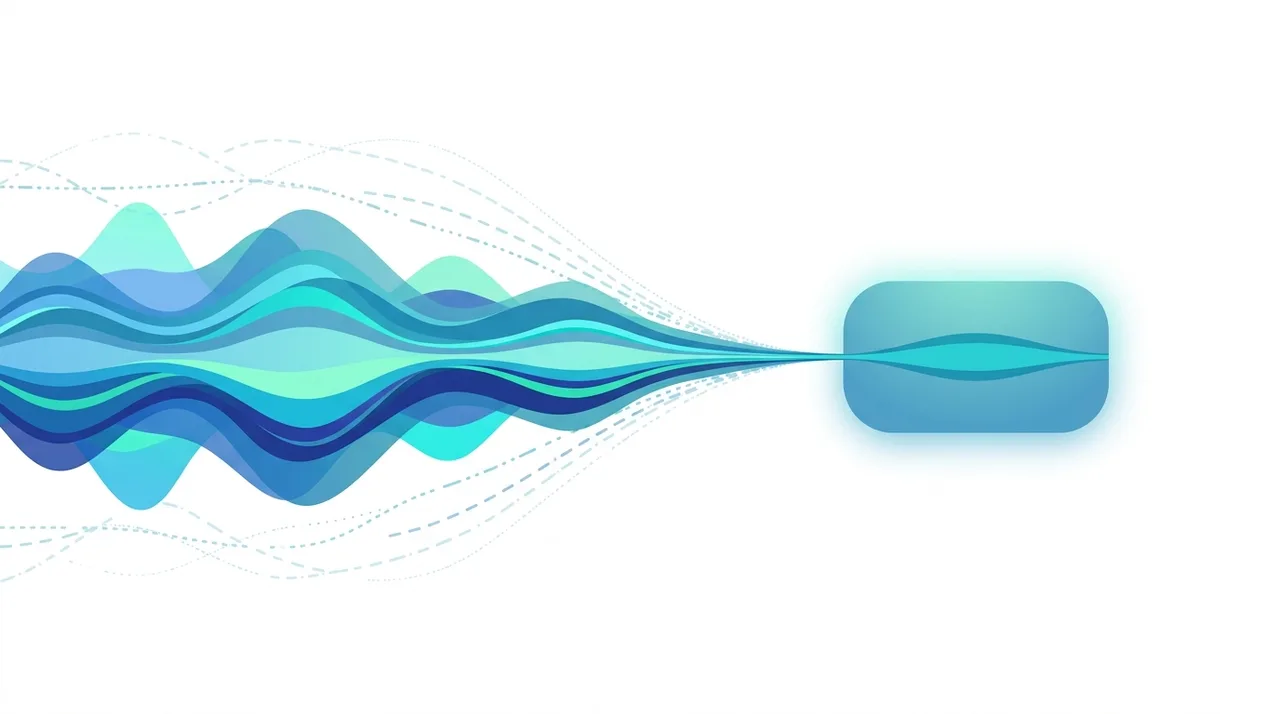
AAC (Advanced Audio Coding) is a lossy audio compression format designed as the successor to MP3, delivering better sound quality at the same file size. It is the default audio codec for YouTube, Apple Music, the iTunes Store, and most modern streaming and video platforms. AAC audio is commonly stored in .aac or .m4a files and inside MP4 video containers. Thanks to smarter psychoacoustic modeling, AAC sounds noticeably cleaner than MP3 at low and mid bitrates, while remaining natively playable on virtually every phone, browser, and operating system in use today.
This guide describes format capabilities and settings available in different programs. In WeLoveConvert you select the output format and, for supported images, quality. Codec, bitrate, lossless WebP mode and TIFF page selection are not available in the interface. Compare the result and keep your original.
summarizeKey Takeaways
- check_circleAAC is a lossy codec built to replace MP3, offering better quality per bitrate.
- check_circleIt powers YouTube, Apple Music, and most streaming services as the default audio format.
- check_circleAAC audio lives in .aac files, .m4a containers, and the audio track of MP4 videos.
- check_circleAt ~128 kbps AAC sounds transparent, where MP3 typically needs 192 kbps or more.
How AAC Encoding Works
AAC improves upon MP3 in several fundamental ways. It uses a pure Modified Discrete Cosine Transform (MDCT) without the hybrid filterbank that limits MP3, allowing better frequency resolution. AAC supports block sizes up to 2048 samples (versus 1152 for MP3), giving it more precise control over the time-frequency trade-off.
The codec includes tools like Temporal Noise Shaping (TNS), which redistributes quantization noise in time to mask it behind transient signals, and Perceptual Noise Substitution (PNS), which replaces noise-like spectral content with synthetic noise at the decoder, saving bits. AAC also supports Spectral Band Replication (SBR) in its HE-AAC profile, extending high-frequency content at very low bitrates by deriving harmonics from the lower frequencies actually encoded. These techniques combined allow AAC to deliver transparent audio quality at roughly 128 kbps, where MP3 typically needs 192 kbps or higher.
Advantages and Limitations of AAC
check_circleAdvantages of AAC
- addBetter sound quality than MP3 at the same bitrate, especially below 160 kbps.
- addDefault codec for YouTube, Apple Music, and nearly every streaming service.
- addHE-AAC delivers usable quality at very low bitrates (32-64 kbps) for speech and streaming.
- addSupports multichannel and surround audio up to 48 channels.
- addNatively decoded by all modern browsers, phones, and operating systems.
cancelLimitations of AAC
- removePatent-licensed, unlike royalty-free rivals such as Opus and OGG Vorbis.
- removeMore CPU-intensive to encode than MP3.
- removeSome older car stereos and legacy players cannot play AAC files.
- removeMultiple profiles (LC, HE, HE-v2) create occasional compatibility confusion.
Best Use Cases for AAC
- Streaming services where bandwidth efficiency directly impacts user experience
- Mobile audio playback where storage space and data usage matter
- Video soundtracks in MP4 containers (the standard for web video)
- Voice calls and VoIP using HE-AAC for excellent quality at very low bitrates
- Podcast encoding where file size impacts download times and hosting costs
- Any application where better quality per bitrate than MP3 is desired
When to Use AAC (and When Not To)
AAC is the right default for almost any modern audio delivery, but a few situations still call for a different format. Use these guidelines to decide.
- Use AAC for streaming, mobile playback, and video soundtracks where small files and high quality both matter.
- Use AAC when targeting Apple devices, YouTube uploads, or HTML5 audio that must play everywhere.
- Choose AAC over MP3 at lower bitrates (96-160 kbps), where its quality advantage is largest — see our AAC vs MP3 guide.
- Avoid AAC for archiving or audio editing masters; convert to a lossless format like WAV or FLAC instead.
- Avoid AAC if you must support very old car stereos or legacy MP3 players; convert AAC to MP3 for guaranteed playback.
- Skip re-encoding MP3 into AAC expecting better quality — start from a lossless source for any real gain.
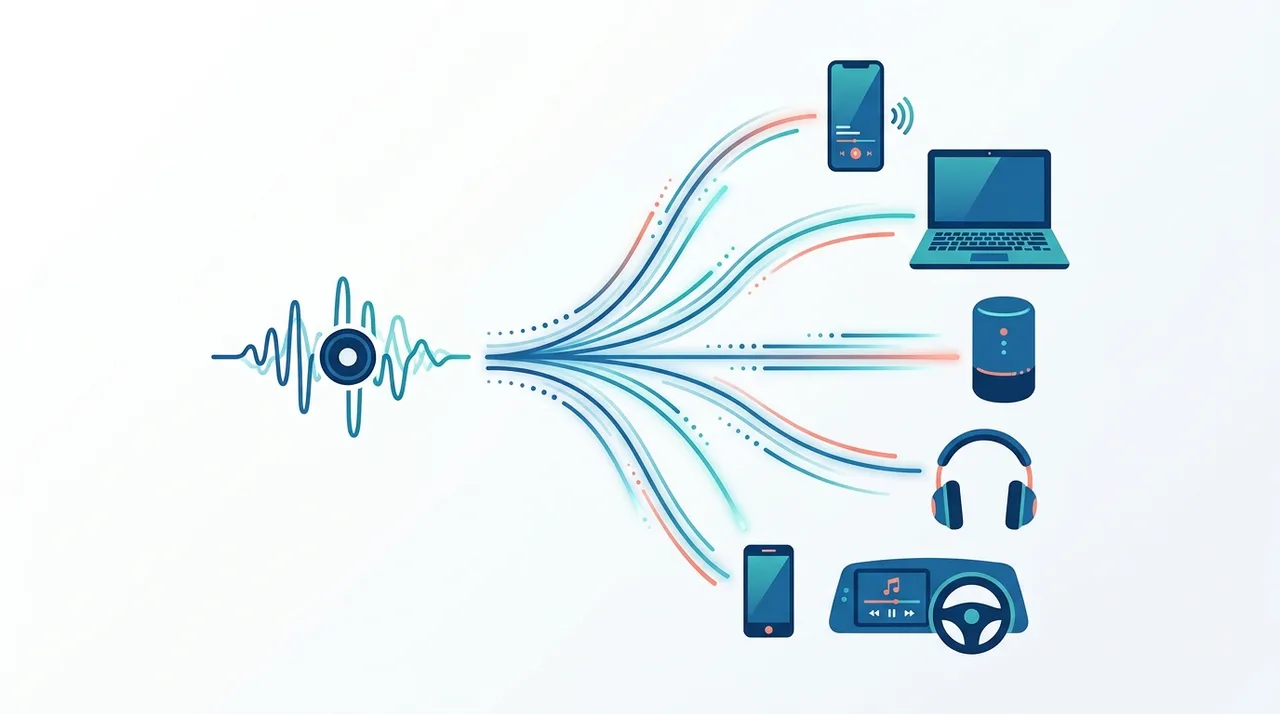
AAC vs MP3 vs Opus vs OGG Vorbis: How the Lossy Codecs Compare
AAC competes with several other lossy codecs. MP3 is the universal legacy standard, while Opus and OGG Vorbis are royalty-free alternatives popular in open-source and web contexts. Here is how they stack up.
| Feature | AAC | MP3 | Opus | OGG Vorbis |
|---|---|---|---|---|
| Quality at 128 kbps | Near-transparent | Audible artifacts | Excellent | Very good |
| Transparent bitrate (stereo) | ~128-160 kbps | ~192-256 kbps | ~96-128 kbps | ~160-192 kbps |
| Best low-bitrate use | HE-AAC, 32-64 kbps | Poor below 96 kbps | Excellent, down to 24 kbps | Limited |
| Royalty / patent status | Patent-licensed | Patents expired | Royalty-free | Royalty-free |
| Device & browser support | Universal (modern) | Universal incl. legacy | Wide, growing | Good (not Safari natively) |
| Typical container | .m4a / .mp4 | .mp3 | .opus / .ogg / .webm | .ogg |
| Max channels | 48 | 2 (stereo) | 255 | 255 |
How to Convert AAC to MP3 or Other Formats
- 1
Identify your conversion goal
Convert to MP3 for broader device compatibility. Convert to WAV for uncompressed editing. Convert to FLAC only if starting from a lossless AAC source (rare).
- 2
Upload your AAC file
Use WeLoveConvert to upload your AAC or M4A file. Both raw .aac files and AAC audio in M4A containers are supported.
- 3
Configure output settings
For MP3 output, use 256-320 kbps to preserve maximum quality. Keep in mind that transcoding between lossy formats always involves some generation loss.
- 4
Download and use
Save your converted file. The output will be compatible with virtually any device or platform.
Frequently Asked Questions
Is AAC better than MP3?
Yes, AAC delivers better audio quality than MP3 at the same bitrate. This advantage is most pronounced at lower bitrates (96-160 kbps). At 256 kbps and above, both formats are effectively transparent for most listeners.
What is the difference between AAC and M4A?
AAC is the audio codec (compression algorithm), while M4A is a file container. M4A files typically contain AAC-encoded audio, but the terms are not interchangeable. A raw .aac file has no container, while .m4a wraps the AAC audio in an MPEG-4 container with metadata support.
What is HE-AAC?
HE-AAC (High Efficiency AAC) is a profile that adds Spectral Band Replication to extend frequency response at low bitrates. HE-AAC v2 adds Parametric Stereo for even better efficiency. These profiles are used for streaming at 32-96 kbps with acceptable quality.
Do all browsers support AAC?
Yes, all major modern browsers (Chrome, Firefox, Safari, Edge) support AAC playback. Firefox added AAC support in 2016. AAC is the most universally supported codec in HTML5 audio and video elements.
What bitrate should I use for AAC?
For music, 192-256 kbps AAC-LC delivers transparent quality. For podcasts and speech, 64-96 kbps is sufficient. For low-bandwidth streaming, HE-AAC at 48-64 kbps provides acceptable quality.
Is AAC lossy or lossless?
AAC is a lossy codec — it permanently removes audio data to achieve compression. For lossless audio in the Apple ecosystem, ALAC (Apple Lossless Audio Codec) is the corresponding lossless option, often stored in the same M4A container.
Why does YouTube use AAC?
YouTube uses AAC because it provides excellent quality at the bitrates used for web streaming (128-256 kbps), supports both stereo and multichannel audio, and is universally decoded by all browsers and mobile devices.
Can I convert MP3 to AAC to get better quality?
No. Converting MP3 to AAC transcodes already-compressed audio through another round of lossy compression, which degrades quality. To benefit from AAC quality, you must encode from a lossless source (WAV, FLAC, or ALAC).
Is AAC better than Opus?
For pure quality-per-bitrate, Opus generally matches or beats AAC, especially at very low bitrates and for speech, and Opus is royalty-free. AAC still wins on universal device compatibility — it plays natively on Apple hardware, smart TVs, and car systems where Opus support is patchy. Choose Opus for web and voice apps, AAC for broad consumer playback.
Is AAC royalty-free?
No. AAC is covered by patents and its encoders and decoders are subject to licensing through Via Licensing (formerly the MPEG-LA pool). Most consumers never pay directly because licensing is handled by device and software makers, but this is a key difference from royalty-free codecs like Opus and OGG Vorbis.
How do I open an .aac or .m4a file?
Both play in nearly all modern media players, including VLC, Windows Media Player, Apple Music, and any web browser. A raw .aac file is just the audio stream, while .m4a wraps AAC audio in an MP4 container with metadata. If a device cannot open it, convert the file to MP3 or WAV for guaranteed compatibility.
AAC is the modern workhorse of digital audio, powering YouTube, Apple Music, podcasts, and phone calls alike. It clearly beats MP3 on quality-per-bitrate and supports features MP3 cannot, though royalty-free rivals like Opus now challenge it on raw efficiency. For everyday delivery to phones, browsers, and Apple devices, AAC remains the safe default. When you need to move audio between formats, you can convert AAC files quickly and privately right in your browser.