
What Is MP4? The Universal Video Format Explained
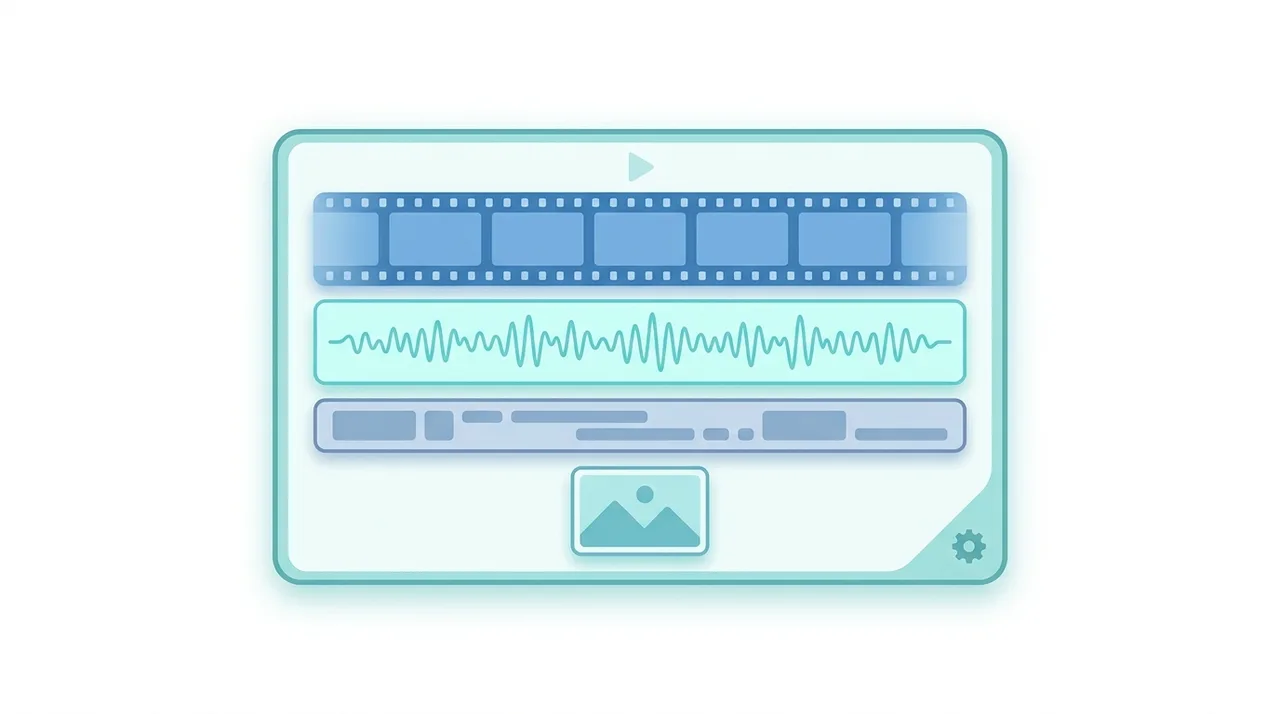
MP4 (MPEG-4 Part 14) is the world's most widely used video container format, designed to bundle video, audio, subtitles, and metadata inside a single .mp4 file. Standardized by the ISO in the early 2000s, it pairs efficient codecs like H.264, H.265, and AV1 with AAC audio to deliver small files that play almost everywhere. Because it supports HTTP streaming through its fast-start design, MP4 powers YouTube, Netflix, social media, and smartphone cameras alike. If you need one format that just works across browsers, phones, TVs, and editing software, MP4 is the safe default for both delivery and everyday sharing.
This guide describes format capabilities and settings available in different programs. In WeLoveConvert you select the output format and, for supported images, quality. Codec, bitrate, lossless WebP mode and TIFF page selection are not available in the interface. Compare the result and keep your original.
summarizeKey Takeaways
- check_circleMP4 is a container, not a codec: it wraps compressed video (usually H.264/HEVC) and audio (usually AAC) in one file.
- check_circleIt offers the broadest device and platform compatibility of any video format, making it the default for sharing and uploading.
- check_circleBuilt-in fast-start streaming lets players begin playback before the full file downloads.
- check_circleFor maximum compatibility, encode MP4 with H.264 video, AAC audio, and the yuv420p pixel format.
Technical Overview of the MP4 Container
MP4 is a container format, not a codec. This distinction is important: the container defines how data streams are packaged together, while codecs determine how the actual video and audio are compressed. An MP4 file typically wraps H.264 (AVC) or H.265 (HEVC) video alongside AAC audio, though it also supports older codecs like MPEG-4 Part 2 and newer ones such as AV1.
The MP4 container is based on the Apple QuickTime MOV format and uses a hierarchical atom (or box) structure. Each atom contains metadata about the media streams, including timing information, codec parameters, and sample tables that map byte offsets to individual frames. This structure enables efficient random access and seeking, which is critical for both local playback and progressive streaming over HTTP.
MP4 supports multiple audio and video tracks, embedded subtitles in formats like MPEG-4 Timed Text, chapter markers, and extensive metadata through the iTunes-style tagging system. The file extension is typically .mp4 for video content, though .m4a is used for audio-only files and .m4v for DRM-protected video.
Advantages and Limitations of MP4
check_circleAdvantages of MP4
- addPlays on virtually every browser, phone, TV, console, and media player
- addExcellent compression with H.264/H.265 yields small, high-quality files
- addFast-start design enables instant progressive streaming over HTTP
- addAccepted by every major social, hosting, and messaging platform
- addSupports 4K, 8K, HDR10, and Dolby Vision with the right codec
- addHolds multiple audio tracks, chapters, and metadata in one file
cancelLimitations of MP4
- removeLimited subtitle support compared with MKV's SRT/ASS/PGS handling
- removePatent licensing on H.264/H.265 complicates some commercial uses
- removeRoyalty-free codecs like VP9 are handled better by WebM or MKV
When to Use MP4 (and When Not To)
MP4 is the right answer most of the time, but a few specialized workflows are better served by other containers. Here is how to decide.
- Use MP4 for uploading to YouTube, Instagram, TikTok, and other platforms that recommend or require H.264 MP4.
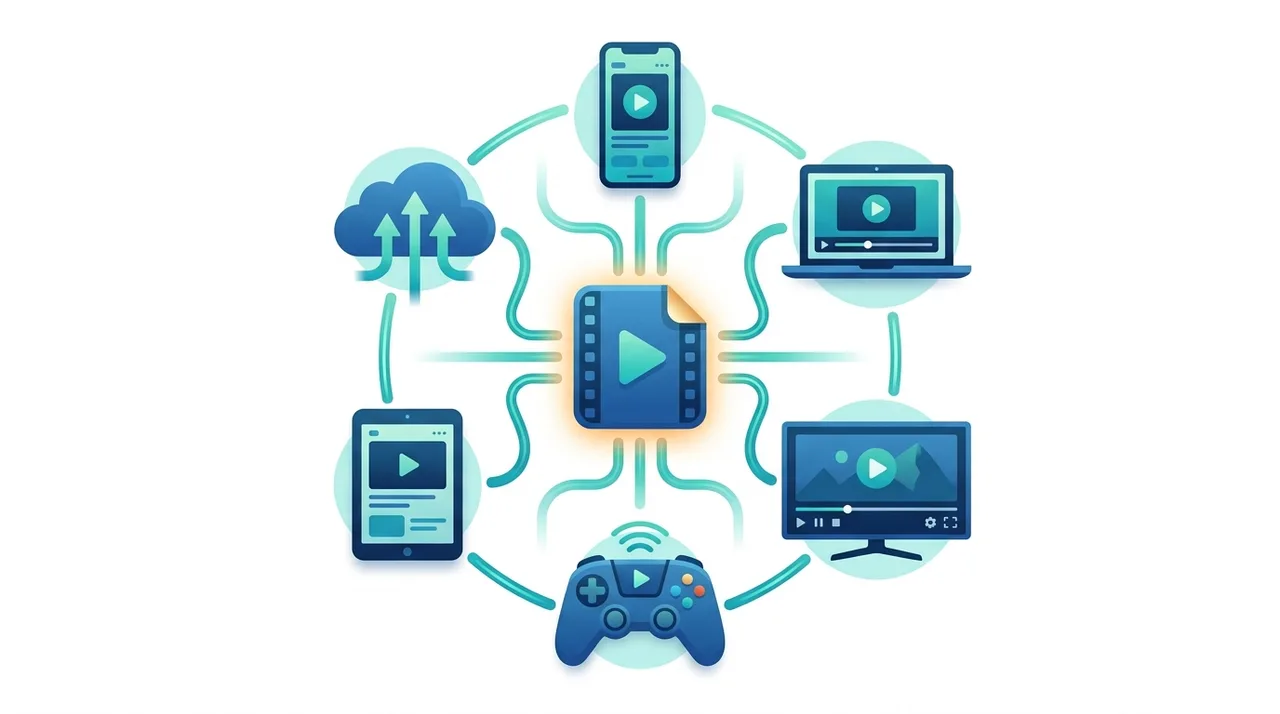
- Use it for cross-device playback, since MP4 runs natively on iPhones, Android, Windows, macOS, and smart TVs without extra players.
- Convert legacy clips to MP4 when modernizing an old library, for example with AVI to MP4 or MOV to MP4.
- Avoid MP4 when you need rich subtitle formats like SRT or ASS embedded with multiple language tracks, where MKV is stronger.
- Avoid it for ultra-lightweight web delivery where royalty-free codecs matter; WebM can be smaller for HTML5 video.
- Skip MP4 if you only need the audio: extract the soundtrack instead, for example with MP4 to MP3.
MP4 vs MKV vs WebM vs MOV: Which Video Container Wins
MP4 competes with three main containers. MKV is the power-user favorite, WebM targets open web video, and MOV is Apple's editing format. This table shows where each one leads.
| Feature | MP4 | MKV | WebM | MOV |
|---|---|---|---|---|
| Primary use | Universal delivery & sharing | Archiving, multi-track media | HTML5 / open web video | Apple editing workflows |
| Device compatibility | Near-universal | Needs player on some devices | Modern browsers only | Best on Apple devices |
| Typical codecs | H.264, H.265, AV1 + AAC | Almost any codec | VP9, AV1 + Opus | H.264, ProRes + AAC |
| Streaming support | Excellent (fast-start) | Not designed for it | Excellent | Limited |
| Subtitle handling | MPEG-4 Timed Text only | SRT, ASS, PGS, VobSub | WebVTT | Limited |
| Size for a 10-min 1080p clip | ~120-180 MB (H.264) | ~120-180 MB (same codec) | ~90-140 MB (VP9) | ~150-220 MB (H.264) |
How to Convert Videos to MP4
- 1
Select your source video
Choose the video file you want to convert. MP4 conversion works with virtually any input format including AVI, MKV, MOV, WebM, and WMV.
- 2
Pick your target quality
Decide on the resolution and quality level. For web sharing, 1080p with standard quality is usually sufficient. For archival, keep the original resolution.
- 3
Upload and convert
Use an online tool like WeLoveConvert to upload your file. Browser-based conversion keeps your files private since nothing is sent to a server.
- 4
Download the MP4 file
Once the conversion finishes, download your new MP4 file. It will be ready to play on any device or upload to any platform.
Recommended MP4 Encoding Settings
These settings provide a solid starting point for common MP4 encoding scenarios.
The most compatible video codec. Use H.265 only if you need smaller files and your target devices support it.
AAC Low Complexity offers excellent quality and universal support. 128 kbps stereo is fine for most content.
Constant Rate Factor controls quality. Lower values mean better quality and larger files. CRF 23 is the default; 18 is visually lossless.
Slower presets produce smaller files at the same quality but take longer to encode. Medium is a good balance.
Required for maximum compatibility. Some players cannot decode yuv444p or yuv422p content.
The History and Future of MP4
The MP4 format traces its lineage to the Apple QuickTime file format, which was adapted and standardized by the ISO as part of the MPEG-4 specification. The initial standard, ISO/IEC 14496-14, was published in 2003 and built upon the ISO Base Media File Format (ISO/IEC 14496-12). This shared foundation means that MP4, MOV, and 3GP files are structurally similar.
MP4 rose to dominance in the mid-2000s as H.264 video compression became the standard for web video, Blu-ray discs, and mobile devices. YouTube, Netflix, and virtually every streaming platform adopted MP4 with H.264 as their primary delivery format. The introduction of H.265/HEVC in 2013 brought further compression improvements, roughly halving file sizes at the same quality, though adoption was slowed by complex patent licensing.
Looking ahead, MP4 continues to evolve. The container now supports AV1, a royalty-free codec backed by the Alliance for Open Media, which promises even better compression than H.265. As AV1 hardware decoding becomes widespread, MP4 with AV1 video and Opus audio may become the next standard combination for web video delivery.
Frequently Asked Questions
What is the difference between MP4 and MPEG-4?
MPEG-4 is a broad multimedia standard covering video codecs, audio codecs, and container formats. MP4 specifically refers to Part 14 of the MPEG-4 standard, which defines the container format. The MPEG-4 Part 2 video codec is just one of many codecs that can be stored inside an MP4 container.
Can MP4 files contain subtitles?
Yes, MP4 supports embedded subtitles using the MPEG-4 Timed Text format (also called tx3g). However, it does not natively support popular subtitle formats like SRT or ASS. For those, MKV is a better container choice.
Is MP4 lossy or lossless?
MP4 is a container, not a codec, so it can hold both lossy and lossless content. Most MP4 files use lossy H.264 video and AAC audio for practical file sizes. However, you can store lossless codecs like Apple ProRes or FLAC inside an MP4 container.
Why is my MP4 file so large?
File size depends on the codec, resolution, bitrate, and duration. If your MP4 uses a high bitrate or an inefficient codec, it will be large. Re-encoding with H.264 at CRF 23 or switching to H.265 can significantly reduce file size with minimal quality loss.
Can I play MP4 on any device?
MP4 with H.264 video and AAC audio plays on virtually every modern device including smartphones, tablets, computers, smart TVs, and gaming consoles. Older devices may struggle with H.265 or AV1 encoded MP4 files.
What is the moov atom in MP4?
The moov atom is a metadata structure containing information about all tracks in the file, including codec details, timing, and sample locations. For web streaming, the moov atom should be placed at the beginning of the file (fast start) so the player can begin playback before downloading the entire file.
Is MP4 better than MOV?
MP4 and MOV are structurally very similar since MP4 is derived from the QuickTime format. MP4 has broader compatibility across non-Apple devices and platforms. MOV is preferred in Apple professional workflows. For general distribution, MP4 is the safer choice.
Does MP4 support 4K and HDR video?
Yes. MP4 fully supports 4K, 8K, and HDR content when paired with appropriate codecs like H.265 or AV1. HDR metadata such as HDR10 and Dolby Vision can be stored in the MP4 container alongside the video stream.
How do I open an MP4 file?
MP4 files open natively in almost any video player and modern browser. On Windows use Films & TV or VLC, on macOS use QuickTime, and on phones the default gallery app plays them automatically. If a file will not open, the issue is usually an unsupported codec inside the container rather than the MP4 format itself; re-encoding to H.264 fixes it.
Can you edit an MP4 file?
Yes. Every major editor, including DaVinci Resolve, Premiere Pro, iMovie, and CapCut, imports and exports MP4. For heavy professional editing, some workflows transcode H.264 MP4 to an intermediate codec first because long-GOP H.264 is computationally demanding to scrub, then export back to MP4 for delivery.
Is MP4 the same as MP3?
No. MP3 is an audio-only format, while MP4 is a multimedia container that can hold video, audio, subtitles, and images. The confusion comes from the similar names, but they serve different purposes. If you only need the sound from a video, you can convert MP4 to MP3 to get a smaller audio-only file.
MP4 remains the universal video format because it balances compression, compatibility, and streaming better than any rival. For sharing online, archiving a library, or simply playing a clip on any device, H.264 inside MP4 is the safest possible choice, with H.265 and AV1 ready when you need smaller files. When you need to switch formats, our free video converter turns AVI, MKV, MOV, and WebM into clean, ready-to-play MP4 files right in your browser.