
What Is WebP? Complete Guide to Google's Modern Image Format
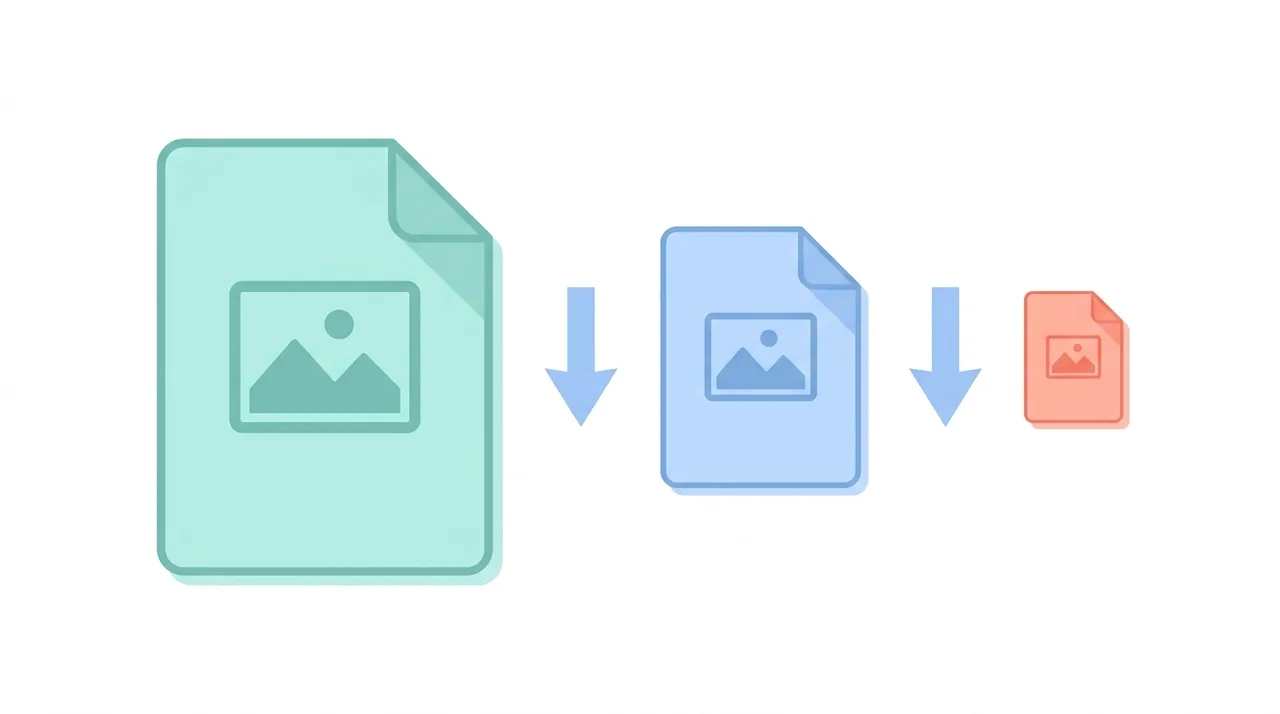
WebP is a modern, open image format created by Google in 2010 that delivers smaller files than JPG and PNG at the same visual quality. It combines lossy compression (25-34% smaller than JPG), lossless compression (about 26% smaller than PNG), alpha transparency, and animation into one container based on the VP8 codec. Today WebP is supported by over 97% of browsers and is the default web image format generated by WordPress, CDNs, and most modern build tools. If you want faster page loads and better Core Web Vitals without sacrificing quality, WebP is usually the right target format for the web.
This guide describes format capabilities and settings available in different programs. In WeLoveConvert you select the output format and, for supported images, quality. Codec, bitrate, lossless WebP mode and TIFF page selection are not available in the interface. Compare the result and keep your original.
summarizeKey Takeaways
- check_circleWebP files are typically 25-34% smaller than JPG and ~26% smaller than PNG at equal quality.
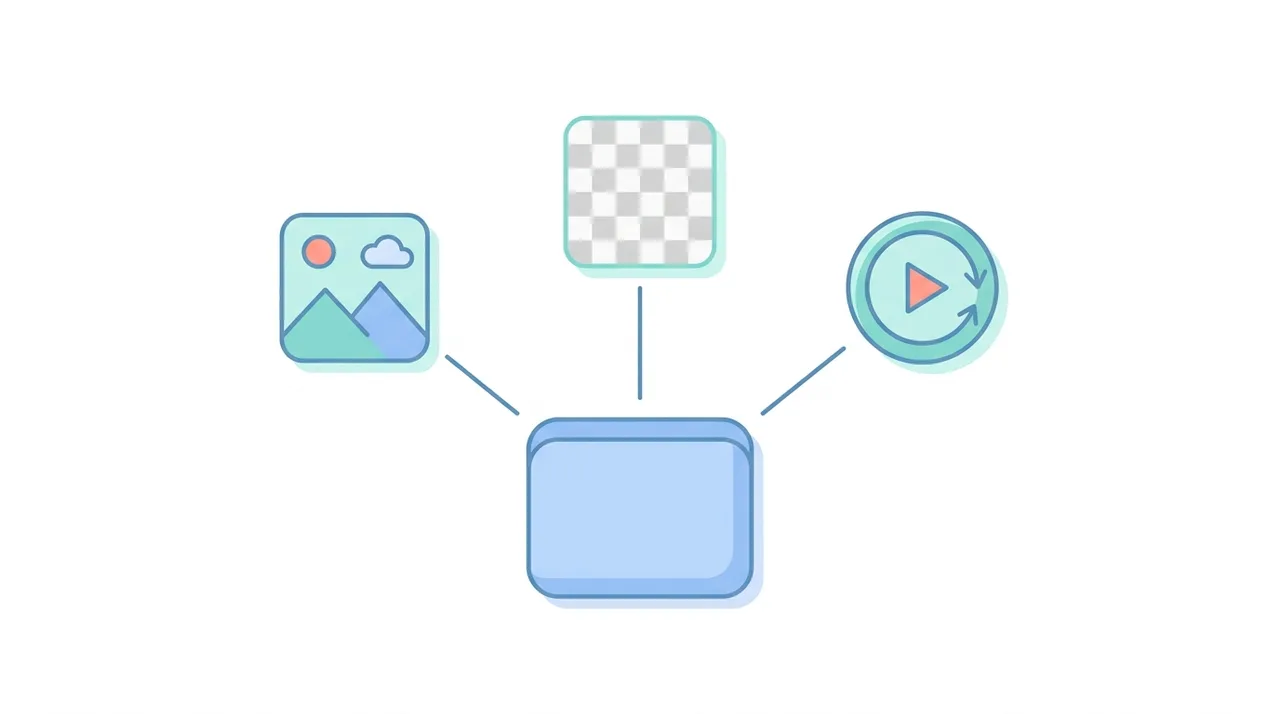
- check_circleOne format handles photos, transparency, and animation, replacing JPG, PNG, and GIF on the web.
- check_circleSupported by 97%+ of browsers, so fallbacks are rarely needed in 2026.
- check_circleBest for the web, not for print, archival masters, or 16-bit professional editing.
Technical Overview of the WebP Format
WebP is based on the VP8 video codec technology for lossy compression and uses a prediction-based approach for lossless compression. In lossy mode, WebP applies block prediction: each block of pixels is predicted from previously decoded blocks, and only the difference (residual) is compressed using a transform similar to DCT. This prediction step gives WebP a significant advantage over JPG, especially in areas with gradual color changes. For lossless compression, WebP uses a combination of advanced techniques including spatial prediction of pixels, color space transformation, backward reference to recurring patterns, and entropy coding with an arithmetic coder. WebP supports 8-bit color depth per channel (24-bit RGB or 32-bit RGBA) and images up to 16,383 by 16,383 pixels. The format uses the RIFF container structure, allowing metadata and ICC color profiles to be embedded. WebP's lossy mode supports adjustable quality from 0 to 100, while lossless mode optimizes automatically for the smallest possible file without any quality loss.
Advantages and Limitations of WebP
check_circleAdvantages of WebP
- addSmaller files than JPG and PNG at the same quality, improving page speed and SEO
- addSingle format covers lossy photos, lossless graphics, transparency, and animation
- addAlpha transparency works even in lossy mode, unlike JPG
- addAnimated WebP is 50-90% smaller than equivalent GIF with full 24-bit color
- addSupported natively by 97%+ of browsers, Windows, and macOS
- addOpen and royalty-free, with broad encoder support in modern tooling
cancelLimitations of WebP
- removeLimited to 8-bit color depth, lacking PNG and TIFF 16-bit support
- removeMaximum dimensions of 16,383 x 16,383 px, smaller than JPG and PNG limits
- removeNot standard for print, prepress, or professional photo archives
- removeInconsistent support in older email clients and legacy editing software
When to Use WebP (and When Not To)
WebP is built for the web, where every kilobyte affects load time and ranking. Reach for it in these situations, and avoid it in the few where older formats still win.
- Use it for website and blog images where speed and Core Web Vitals matter most: convert JPG to WebP for photos.
- Use it for graphics, logos, and screenshots with transparency: convert PNG to WebP to keep the alpha channel at a smaller size.
- Use it to replace heavy GIF animations with far smaller, full-color animated WebP files.
- Avoid it for print and prepress, where high-quality JPG or TIFF remain the standard.
- Avoid it for archival masters or 16-bit editing, where PNG and TIFF preserve more depth.
- If a recipient needs maximum compatibility, convert WebP back to JPG or PNG with our free converter.
WebP vs JPG vs PNG vs AVIF: Which Web Format Wins
WebP sits between the old guard (JPG and PNG) and the next-generation AVIF format. This table shows where each one leads so you can choose the right target.
| Feature | WebP | JPG | PNG | AVIF |
|---|---|---|---|---|
| Typical photo file size | ~70% of JPG | Baseline (100%) | Largest (lossless) | ~50% of JPG |
| Transparency (alpha) | Yes | No | Yes | Yes |
| Animation | Yes | No | No (APNG limited) | Yes |
| Color depth | 8-bit | 8-bit | Up to 16-bit | Up to 12-bit + HDR |
| Browser support | ~97%+ | Universal | Universal | ~93% |
| Encode speed | Fast | Very fast | Fast | Slow |
| Best role | Web default | Photos / compatibility | Lossless / masters | Cutting-edge web |
Best Use Cases for WebP
- Website images where smaller file sizes directly improve page load speed and Core Web Vitals
- E-commerce product images that benefit from lossy compression with optional transparent backgrounds
- Progressive web apps and single-page applications optimizing for bandwidth
- Animated content on the web as a superior replacement for GIF files
- Mobile web experiences where bandwidth and data usage are critical concerns
- Content delivery networks (CDNs) that serve optimized images based on browser capabilities
- Social media and messaging platforms that prioritize fast image delivery
How to Convert Images to WebP
- 1
Choose your source image
WebP works as a target format for JPG, PNG, GIF, and other image types. Select the images you want to optimize for web delivery.
- 2
Upload to WeLoveConvert
Use the WeLoveConvert online tool to upload your images. The conversion happens entirely in your browser, keeping your files private and secure.
- 3
Configure WebP settings
Choose between lossy mode for photographs (quality 75-85 recommended) or lossless mode for graphics. If your source has transparency, it will be preserved automatically.
- 4
Download and implement
Download the converted WebP files and implement them on your website. Consider using the HTML picture element to provide JPG/PNG fallbacks for maximum compatibility.
History of WebP and Browser Adoption
Google announced WebP in September 2010 as part of its effort to make the web faster. The format was derived from the VP8 video codec that Google had acquired through its purchase of On2 Technologies. Initially, WebP only supported lossy compression, but Google quickly added lossless compression, transparency, and animation support by 2011-2012. Browser adoption was slow at first: Chrome supported WebP from the start, and Opera followed in 2011, but Firefox and Safari held out for years. Firefox added WebP support in 2019, and Apple finally added Safari support in 2020 with macOS Big Sur and iOS 14. This milestone meant WebP became usable as a primary web format without requiring fallbacks for most users. Today, WebP is supported by over 97% of web browsers globally. Major platforms like Facebook, YouTube, and eBay use WebP extensively, and content management systems like WordPress generate WebP versions of uploaded images by default. The format has become the de facto standard for optimized web images alongside the emerging AVIF format.
Frequently Asked Questions
What is WebP and who created it?
WebP is a modern image format created by Google in 2010. It was designed to provide better compression than JPG and PNG for web images, reducing page load times and bandwidth usage while maintaining high visual quality.
Do all browsers support WebP?
Yes, as of 2020 all major browsers support WebP, including Chrome, Firefox, Safari, Edge, and Opera. WebP is supported by over 97% of browsers globally. For the rare legacy browsers that do not support it, you can use the HTML picture element to provide JPG or PNG fallbacks.
Is WebP better than JPG?
For web use, WebP generally produces files 25-34% smaller than JPG at the same visual quality. However, JPG has wider compatibility with older software, higher maximum image dimensions, and is the standard for photography workflows. WebP is better for web delivery, while JPG remains important for interoperability.
Does WebP support transparency?
Yes, WebP supports full alpha channel transparency in both lossy and lossless modes. This makes it unique among formats: you can have a compressed photograph with a transparent background, something impossible with JPG and previously requiring PNG (at larger file sizes).
Can WebP replace GIF for animations?
Yes, animated WebP is significantly better than GIF. WebP animations support 24-bit color (16.7 million colors versus GIF's 256), alpha transparency, and much better compression. An animated WebP file is typically 50-90% smaller than an equivalent GIF.
What are the disadvantages of WebP?
WebP has a maximum dimension of 16,383 pixels per side, limited to 8-bit color depth, and is not widely supported in professional print workflows. Some older image editors cannot open WebP files natively, and email clients have inconsistent support for the format.
How do I open a WebP file?
Most modern web browsers can open WebP files directly. On Windows 10 and later, WebP is supported natively in the Photos app and File Explorer. On macOS Big Sur and later, Preview and Quick Look support WebP. For older systems, you can convert WebP to JPG or PNG using an online tool like WeLoveConvert.
Should I convert all my website images to WebP?
Converting to WebP is recommended for web images to improve page speed and reduce bandwidth. Use lossy WebP for photographs and lossless WebP for graphics with sharp edges or transparency. Provide JPG/PNG fallbacks using the HTML picture element for maximum compatibility.
Is WebP better than AVIF?
It depends on your priority. AVIF compresses photos about 20-30% smaller than WebP and supports HDR and wider color, but it encodes more slowly and is supported by roughly 93% of browsers versus WebP's 97%+. WebP encodes faster and has broader, more mature support, making it the safer default for most websites. Many sites serve AVIF with a WebP fallback to get the best of both.
Does converting to WebP reduce image quality?
Lossless WebP keeps quality identical to the source while shrinking the file. Lossy WebP discards some data like JPG, but at quality 75-85 the difference is usually invisible while files are 25-34% smaller. For graphics, logos, and screenshots, use lossless WebP; for photographs, lossy WebP at quality 80 is an excellent balance.
Why are my images saving as WebP automatically?
Many platforms now generate WebP by default. WordPress, Google Photos, Chrome's 'Save image as', and most CDNs serve or save WebP to reduce bandwidth. If you need a more compatible file, you can convert WebP to JPG or PNG in seconds with an online tool like WeLoveConvert.
WebP has become the practical default for web imagery: it shrinks files by a quarter or more, handles transparency and animation, and is supported almost everywhere. While JPG, PNG, and TIFF still own print and archival work, WebP is the format to reach for whenever page speed and Core Web Vitals matter. Try our free image converter to turn your JPG and PNG files into optimized WebP, or convert WebP back when you need wider compatibility.