
What Is WebM? Google's Open Video Format for the Web
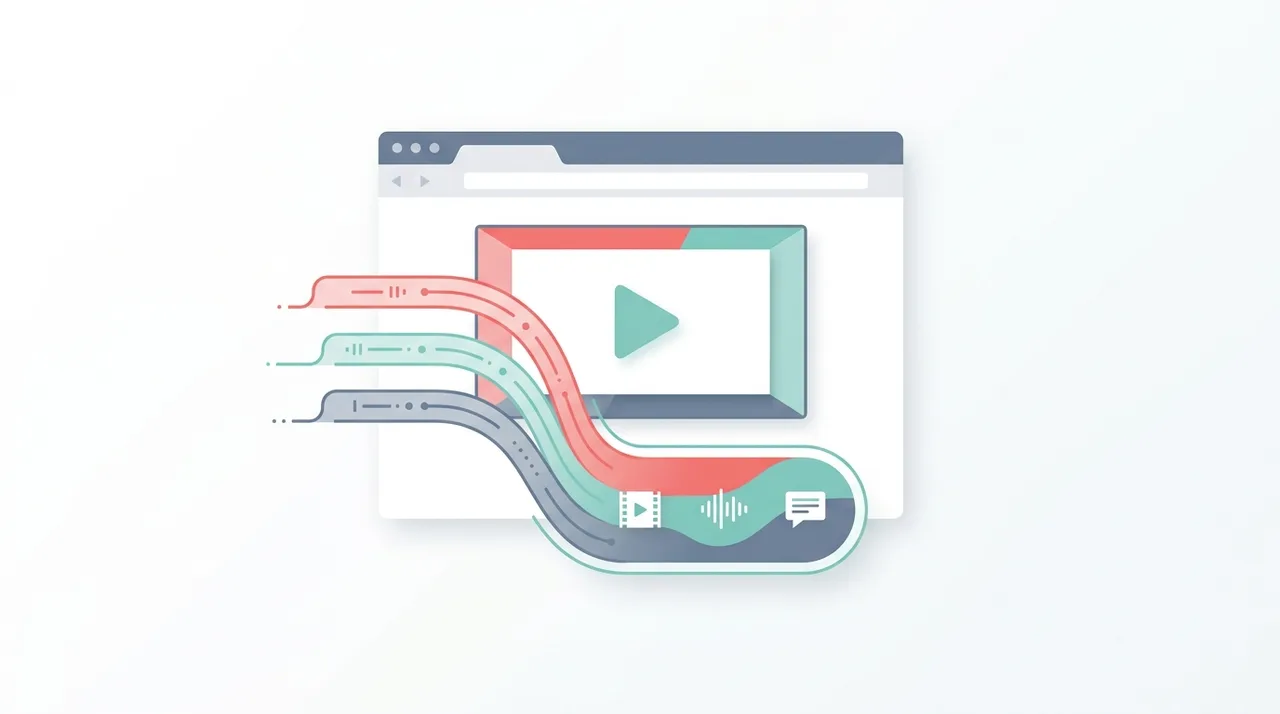
WebM is an open, royalty-free multimedia container format that Google released in 2010 to power high-quality video on the open web. A WebM file pairs the VP8 or VP9 video codec (now joined by AV1) with Opus or Vorbis audio inside a streamlined Matroska-based container, identified by the .webm extension. Because it carries no patent-licensing fees, WebM is the format of choice for HTML5 video, autoplay background loops, and animated overlays in browsers like Chrome, Firefox, and Edge. It trades the universal device reach of MP4 for smaller files, free distribution, and features such as alpha-channel transparency built for the web.
This guide describes format capabilities and settings available in different programs. In WeLoveConvert you select the output format and, for supported images, quality. Codec, bitrate, lossless WebP mode and TIFF page selection are not available in the interface. Compare the result and keep your original.
summarizeKey Takeaways
- check_circleWebM is a container, not a codec: it wraps VP8/VP9/AV1 video with Opus/Vorbis audio in a lightweight Matroska-based structure.
- check_circleIt is completely royalty-free, which is why Google built it as the open-web alternative to patent-encumbered H.264/MP4.
- check_circleWebM with VP9 typically produces files 30-50% smaller than H.264 MP4 at the same visual quality.
- check_circleBest for web playback in modern browsers; for offline files, social uploads, or older Apple devices, MP4 is the safer choice.
How WebM Works Under the Hood
WebM is a subset of the Matroska multimedia container, restricted to specific codec combinations optimized for web delivery. The container itself is lightweight and uses a binary format based on EBML (Extensible Binary Meta Language), which provides efficient parsing and minimal overhead.
The video component uses either VP8 or VP9 codecs, both developed by Google and released under royalty-free licenses. VP8, the original codec, delivers quality roughly comparable to H.264 Baseline profile. VP9, released in 2013, offers significantly improved compression efficiency, achieving quality similar to H.265/HEVC at comparable bitrates while remaining completely free to use.
For audio, WebM supports Vorbis and Opus codecs. Opus in particular is considered one of the best audio codecs available, excelling at both speech and music across a wide range of bitrates from 6 kbps to 510 kbps. The combination of VP9 video and Opus audio represents the current best practice for WebM encoding.
Advantages and Limitations of WebM
check_circleAdvantages of WebM
- addCompletely royalty-free to encode, decode, and distribute, with no licensing fees
- addExcellent compression: VP9 and AV1 deliver smaller files than H.264 at matching quality
- addSupports alpha-channel transparency, enabling full-color transparent video in browsers
- addBuilt for streaming with low-latency, progressive playback and clean HTML5 integration
- addOpen-source reference codecs and tooling backed by Google and the broader web community
cancelLimitations of WebM
- removeLimited reach on Apple devices and not accepted by most social or messaging platforms
- removeVP9/AV1 hardware decoding is less universal, raising CPU and battery use on some devices
- removeVP9 and AV1 encoding is markedly slower than hardware-accelerated H.264
- removeFewer editing, authoring, and DAW tools ingest WebM cleanly compared to MP4
When to Use WebM (and When Not To)
WebM shines for browser-delivered video where bandwidth and licensing matter, but it is the wrong pick when you need universal device playback or social-platform uploads. Use this checklist to decide.
- Use WebM for HTML5 `<video>` embeds, autoplaying background loops, and product hero videos that must load fast in Chrome, Firefox, and Edge.
- Use WebM with a VP9 alpha channel to replace heavy animated GIFs with transparent, full-color overlays delivered through the browser-based converter.
- Use WebM to shrink large source clips for the web by converting MP4 to WebM or converting MOV to WebM before upload.
- Avoid WebM for social media, messaging apps, or older iPhones; convert WebM to MP4 for the universal H.264 compatibility explained in our MP4 guide.
- Avoid WebM as a long-term editing master, since fewer NLEs ingest it cleanly; an MKV file or ProRes intermediate is more edit-friendly.
- Avoid WebM when you only need the soundtrack, in which case extracting WebM audio to MP3 gives a more portable file.
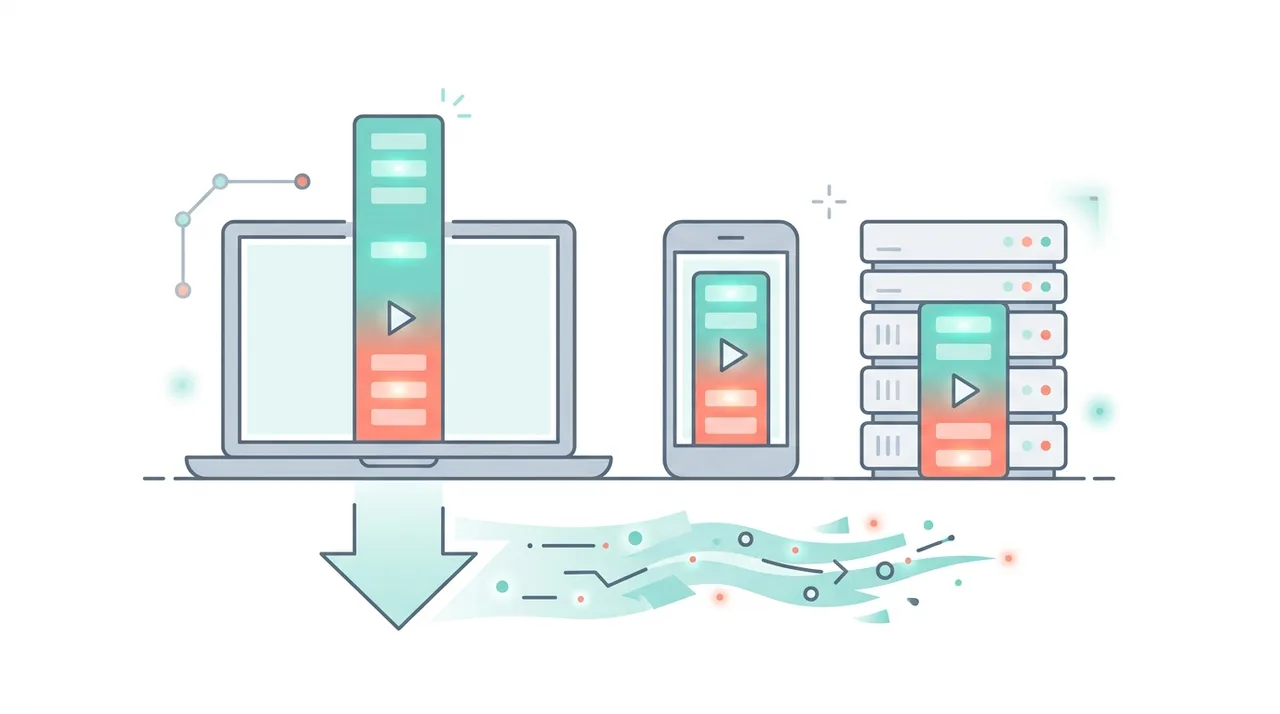
WebM vs MP4 vs GIF for Web Media
For short, looping, or autoplay web content, WebM competes with MP4 and the aging animated GIF. This table shows where each format leads on size, quality, and reach.
| Feature | WebM (VP9) | MP4 (H.264) | Animated GIF |
|---|---|---|---|
| Typical 10s 720p loop size | ~0.8-1.5 MB | ~1.5-2.5 MB | ~5-15 MB |
| Color depth | 8/10/12-bit, millions of colors | 8-bit, millions of colors | 256 colors max |
| Audio support | Yes (Opus/Vorbis) | Yes (AAC) | None |
| Alpha transparency | Yes (VP9/VP8) | No | Yes (1-bit only) |
| Licensing | Royalty-free | H.264 patents | Royalty-free |
| Apple/iOS playback | iOS 14+ / Big Sur+ | Universal | Universal |
| Best use | Open-web HTML5 video | Universal video everywhere | Legacy short animations |
Common WebM Playback Issues and Solutions
WebM video not playing in Safari
Ensure you are using macOS Big Sur (11.0) or later and iOS 14+. For older Apple devices, provide an MP4 fallback using the HTML5 <source> element with multiple formats.
VP9 video stuttering on mobile
The device may lack VP9 hardware decoding. Reduce the resolution or bitrate, or switch to VP8 which has broader hardware support. Alternatively, serve MP4 to mobile users.
No audio in WebM file
Verify the audio track uses Vorbis or Opus codec. Some encoders may produce WebM files with incompatible audio. Re-encode the audio track using Opus for best results.
WebM file not seekable in browser
The file may be missing cues (seek index). Re-mux the file with a tool that writes WebM cues, or ensure your encoder generates cue points during encoding.
Large WebM file despite VP9 encoding
Check your encoding settings. VP9 requires a two-pass encode or CRF mode for optimal compression. Single-pass CBR encoding produces larger files. Use CRF 31 as a starting point.
How to Convert Video to WebM
- 1
Choose your source file
Select any video file to convert. Common sources include MP4, AVI, MOV, and MKV files. WebM conversion works with virtually any video format.
- 2
Select codec and quality
Choose VP9 for best compression or VP8 for faster encoding. For audio, Opus is recommended over Vorbis for superior quality at low bitrates.
- 3
Upload and process
Upload your video to WeLoveConvert for browser-based conversion. Your files stay on your device since processing happens locally.
- 4
Download and test
Download the converted WebM file and test it in your target browsers. Consider providing an MP4 fallback for maximum compatibility.
Frequently Asked Questions
Is WebM better than MP4?
WebM with VP9 offers better compression than MP4 with H.264, producing smaller files at the same quality. However, MP4 has broader device compatibility. For web-only distribution where Chrome and Firefox are the primary targets, WebM can be the better choice. For universal playback, MP4 remains safer.
Can I play WebM on iPhone?
WebM playback on iPhone requires iOS 14 or later for VP9 support in Safari. Older iOS versions cannot play WebM files natively. If you need to support older iPhones, provide an MP4 fallback alongside your WebM files.
Why did Google create WebM?
Google created WebM to provide a high-quality, royalty-free video format for the open web. The H.264 codec used in MP4 requires patent licensing, which Google saw as a barrier to an open internet. By releasing VP8 and VP9 under royalty-free licenses, Google aimed to make video accessible without licensing costs.
What is the difference between VP8 and VP9?
VP9 is the successor to VP8, offering approximately 50% better compression efficiency. VP9 supports higher resolutions up to 8K, 10-bit and 12-bit color depth, and features like spatial and temporal scalability. VP8 is simpler and faster to encode but produces larger files.
Does WebM support transparency?
Yes, WebM with VP9 supports alpha channel transparency, making it one of the few video formats that can display transparent video in web browsers. This feature is useful for animated overlays, lower thirds, and compositing effects in web applications.
Is WebM good for YouTube uploads?
YouTube accepts WebM uploads and will re-encode them for delivery. However, uploading in the highest quality source format is recommended regardless. YouTube internally uses VP9 for much of its playback, so uploading a high-quality WebM preserves quality through fewer transcoding steps.
What replaced WebM?
WebM has not been replaced. Google continues to develop the format, and the AV1 codec (developed by the Alliance for Open Media, which Google co-founded) is being integrated into WebM as the next-generation video codec, succeeding VP9.
Can WebM contain subtitles?
Yes, since WebM is based on the Matroska container, it can embed WebVTT subtitle tracks. This makes it possible to include captions directly in the video file for web playback without requiring separate subtitle files.
Is WebM smaller than GIF for animations?
Yes, dramatically. A short looping clip that weighs 5-15 MB as an animated GIF often drops to under 1 MB as a VP9 WebM at higher visual quality and full color, since GIF is limited to 256 colors and uses inefficient compression. Replacing GIFs with WebM (with an MP4 fallback) is a common web performance optimization.
Can I edit WebM files in video editors?
Some editors like Shotcut, DaVinci Resolve, and Kdenlive can import WebM, but support is less consistent than MP4 and VP9 decoding can be slow. For heavy editing, convert WebM to a more edit-friendly format first, then export back to WebM only for final web delivery.
Is WebM lossy or lossless?
WebM video is normally lossy: VP8, VP9, and AV1 discard data to achieve small file sizes, much like H.264. VP9 does support a near-lossless mode and lossless alpha, but standard web WebM files are lossy and tuned for streaming efficiency rather than archival fidelity.
WebM is the open web's answer to proprietary video: royalty-free, efficient, and purpose-built for browser playback. With VP9 and now AV1 delivering smaller files than H.264, plus alpha transparency that GIF and MP4 cannot match, it is an ideal choice for HTML5 embeds, background loops, and lightweight animations. The main trade-off is reach, so pair it with an MP4 fallback for Apple and social platforms. When you need to move between formats, the free online converter handles WebM in either direction right in your browser.