
What Is JPG? Complete Guide to the JPEG Image Format
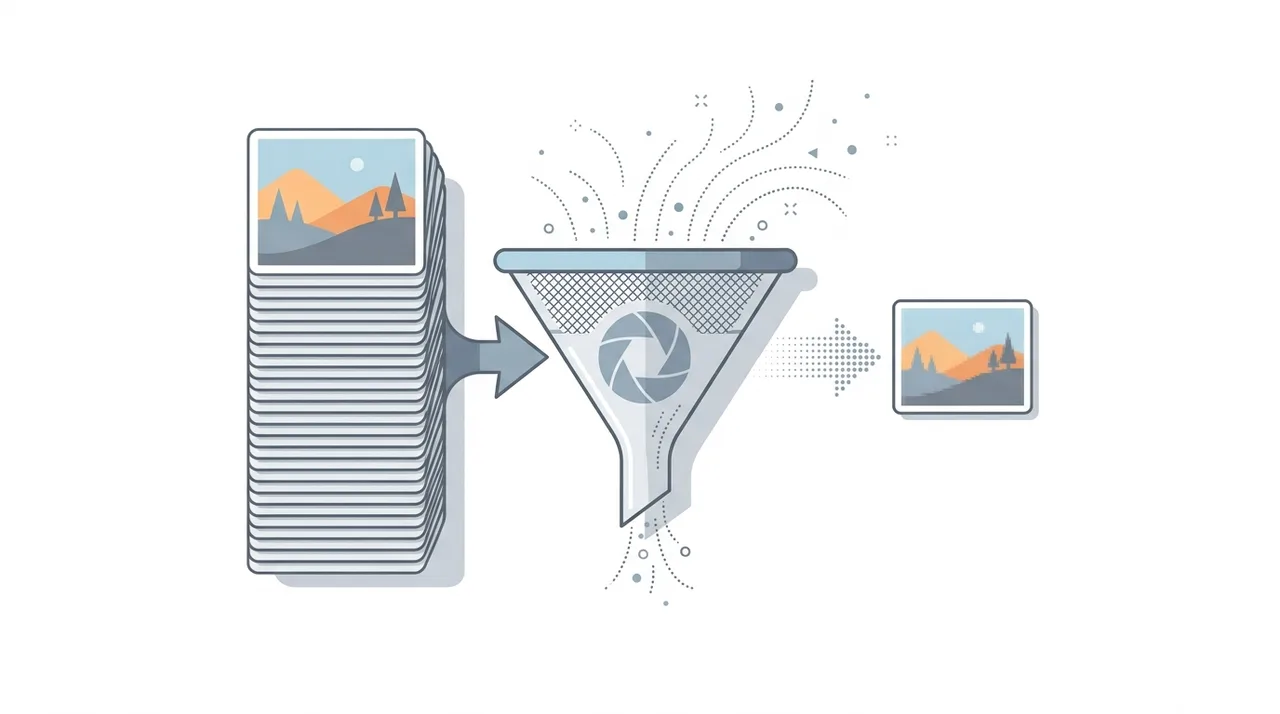
JPG (also written JPEG) is a lossy raster image format that shrinks photographs to a fraction of their original size by permanently discarding visual detail the human eye barely notices. Created by the Joint Photographic Experts Group in 1992, it stays the most widely used image format on the planet, supporting 16.7 million colors and reading natively in every browser, camera, and operating system. Because compression is adjustable, you can trade quality for size on a sliding scale. JPG is the default for digital photos and web imagery, but it does not support transparency or animation and degrades slightly each time you re-save it.
This guide describes format capabilities and settings available in different programs. In WeLoveConvert you select the output format and, for supported images, quality. Codec, bitrate, lossless WebP mode and TIFF page selection are not available in the interface. Compare the result and keep your original.
summarizeKey Takeaways
- check_circleJPG uses lossy compression, achieving 10:1 or better size reduction on photos with little visible quality loss.
- check_circleIt supports 16.7 million colors but has no transparency or animation, unlike PNG, GIF, or WebP.
- check_circleQuality is adjustable (roughly 1-100); 75-85 is the sweet spot for web photos.
- check_circleEach re-save discards more data, so always edit from the original to avoid cumulative generation loss.
Technical Overview of the JPG Format
JPG uses a lossy compression algorithm based on the Discrete Cosine Transform (DCT). When an image is saved as JPG, it is first converted from RGB to YCbCr color space, separating luminance from chrominance data. The image is then divided into 8x8 pixel blocks, and each block undergoes DCT transformation. High-frequency details that are less perceptible to the human eye are reduced or discarded based on the chosen quality level. JPG supports 8-bit color depth per channel, totaling 24 bits per pixel for full-color images. It operates in the sRGB color space by default but can embed ICC color profiles for wider gamut support. The format does not support transparency or animation. Compression quality is adjustable from roughly 1 to 100, where higher values retain more detail at the cost of larger file sizes. At quality levels around 75-85, most photographs appear virtually identical to the uncompressed original while achieving 10:1 or better compression ratios.
Advantages and Limitations of JPG
check_circleAdvantages
- addOutstanding compression for photographs, cutting file size by 90% or more with no obvious quality loss
- addUniversal compatibility with every browser, camera, OS, and image viewer ever made
- addAdjustable quality lets you fine-tune the size-versus-fidelity trade-off for any use case
- addCarries EXIF metadata such as camera model, exposure, GPS, and timestamps
- addProgressive JPG mode renders a low-res preview first for faster perceived loading
cancelLimitations
- removeLossy compression permanently discards detail, and quality degrades on every re-save (generation loss)
- removeNo transparency support, so it cannot have a see-through background
- removeVisible blocking and ringing artifacts around sharp edges, text, and flat-color graphics
- removeNo animation, and larger files than newer formats like WebP and AVIF at the same quality
Best Use Cases for JPG
- Digital photography and camera output where rich color gradients are essential
- Website images and blog post photos where fast loading is critical
- Social media uploads, which typically re-compress images to JPG anyway
- Email attachments where small file size ensures deliverability
- Print-ready images when saved at high quality with appropriate resolution
- Image thumbnails and previews where compact size matters most
- Stock photography distribution and online galleries
When to Use JPG (and When Not To)
JPG wins anywhere photographic detail and small file size matter more than perfect pixels. It loses to other formats the moment you need transparency, crisp text, or repeated lossless editing.
- Use it for photographs, camera output, and images with smooth color gradients where file size is critical.
- Use it for web and email imagery; if you need even smaller files, convert JPG to WebP for modern browsers.
- Use it as a universal sharing format; phones often shoot HEIC, so convert HEIC to JPG for broad compatibility.
- Avoid it for logos, icons, screenshots, and flat-color graphics with sharp edges, which show ugly artifacts; reach for PNG instead.
- Avoid it when you need transparency or plan to re-edit repeatedly; use a lossless format and export to JPG only at the final step.
- To bundle photos into a shareable document, convert JPG to PDF rather than sending many separate files.
JPG vs PNG vs WebP vs AVIF: Which Image Format Wins
JPG competes with three main rivals for the same web and photo jobs. This table shows where each lands on size, quality, and features so you can pick correctly — see also our deep dives on PNG and WebP.
| Feature | JPG | PNG | WebP | AVIF |
|---|---|---|---|---|
| Compression | Lossy | Lossless | Lossy + lossless | Lossy + lossless |
| Transparency | No | Yes (alpha) | Yes (alpha) | Yes (alpha) |
| Animation | No | No | Yes | Yes |
| Same photo size | ~500 KB | ~2-3 MB | ~350 KB | ~250 KB |
| Browser support | Universal | Universal | ~97% | ~93% |
| Best for | Photos, web, email | Graphics, logos, transparency | Modern web photos | Cutting-edge web photos |
How to Convert JPG to Other Formats
- 1
Choose your target format
Decide whether you need PNG for transparency, WebP for better web compression, or another format based on your specific requirements.
- 2
Upload your JPG file
Use an online converter like WeLoveConvert to upload your JPG file. The tool processes everything in your browser for privacy and speed.
- 3
Adjust conversion settings
Select the desired output quality and any format-specific options such as PNG compression level or WebP quality factor.
- 4
Download the converted file
Once conversion is complete, download your new file. The original JPG remains unchanged throughout the process.
History and Evolution of the JPEG Standard
The JPEG standard was first published in 1992 as ISO/IEC 10918-1 by the Joint Photographic Experts Group, a committee formed jointly by the ISO and ITU. The format quickly became the dominant image format for digital cameras and the early World Wide Web due to its efficient compression. Over the decades, several extensions and successors have emerged. JPEG 2000 introduced wavelet-based compression in 2000 but never gained widespread adoption due to limited browser support and licensing concerns. JPEG XR, developed by Microsoft, offered improved compression but similarly failed to replace the original. More recently, JPEG XL aims to deliver significantly better compression with both lossy and lossless modes, progressive decoding, and backward compatibility. Despite these newer alternatives, the original JPEG/JPG format remains the most universally supported and widely used image format in existence, processing billions of images daily across the internet.
Frequently Asked Questions
What is the difference between JPG and JPEG?
There is no difference. JPG and JPEG refer to the same format. The shorter .jpg extension originated from early Windows systems that limited file extensions to three characters, while Unix-based systems used the full .jpeg extension. Both are identical in compression, quality, and features.
Does JPG support transparency?
No, JPG does not support transparency. If you need transparent backgrounds, use PNG or WebP instead. When a transparent image is saved as JPG, the transparent areas are typically filled with white or another solid color.
What quality setting should I use when saving JPG?
For web images, quality 75-85 offers the best balance between file size and visual fidelity. For print or archival purposes, use quality 90-95. Quality 100 produces unnecessarily large files with minimal visual improvement over quality 95.
Why does JPG quality decrease when re-saving?
JPG uses lossy compression, meaning data is permanently discarded each time the file is compressed. Each save cycle re-applies compression to already-compressed data, introducing cumulative artifacts called generation loss. Always edit from the original file or use a lossless format for intermediate edits.
Can JPG files contain EXIF data?
Yes, JPG files commonly contain EXIF metadata including camera model, exposure settings, focal length, date and time, GPS coordinates, and more. This data is embedded automatically by digital cameras and smartphones.
Is JPG good for printing?
JPG works well for printing when saved at high quality (90+) and sufficient resolution (300 DPI for standard prints). However, for professional print workflows that require multiple editing passes, working in a lossless format like TIFF and exporting to JPG only at the final stage is recommended.
What is the maximum image size for a JPG file?
The JPEG standard supports images up to 65,535 by 65,535 pixels. However, practical limits depend on the software being used. Most applications handle images up to around 30,000 pixels on each side without issues.
How do I reduce JPG file size without losing quality?
Strip unnecessary EXIF metadata, use optimal Huffman coding, and choose a quality level between 75-85 where compression artifacts are imperceptible. Tools like WeLoveConvert can re-compress JPG files with optimized encoding to reduce size without visible quality loss.
Is JPG lossy or lossless?
JPG is lossy. Every time the image is compressed, the algorithm permanently throws away high-frequency detail the eye is least likely to notice. There is no true lossless mode in standard JPG, which is why you should keep an original master file and only export to JPG at the end of your workflow.
What is the difference between progressive and baseline JPG?
Baseline JPG loads top to bottom in a single pass, while progressive JPG loads the whole image at low resolution first and then sharpens in successive passes. Progressive files are often slightly smaller and feel faster on slow connections, which is why most web optimizers default to them.
How do I convert HEIC photos from my iPhone to JPG?
iPhones save photos as HEIC by default to save space, but HEIC is not supported everywhere. Upload the file to an online converter such as WeLoveConvert and convert HEIC to JPG; the result opens on any device, browser, or app without special software.
JPG endures because nothing beats its mix of tiny file sizes, rich color, and truly universal support. Newer formats like WebP and AVIF compress photos even harder, but JPG's simplicity keeps it the safe default for sharing, web pages, and email. Know its weaknesses — no transparency, lossy re-saves, artifacts on text — and reach for PNG or WebP when those matter. When you do need to switch formats, our free online converter handles JPG in both directions right in your browser.