
¿Qué es HEIC? Guía Completa del Formato de Imagen de Alta Eficiencia de Apple
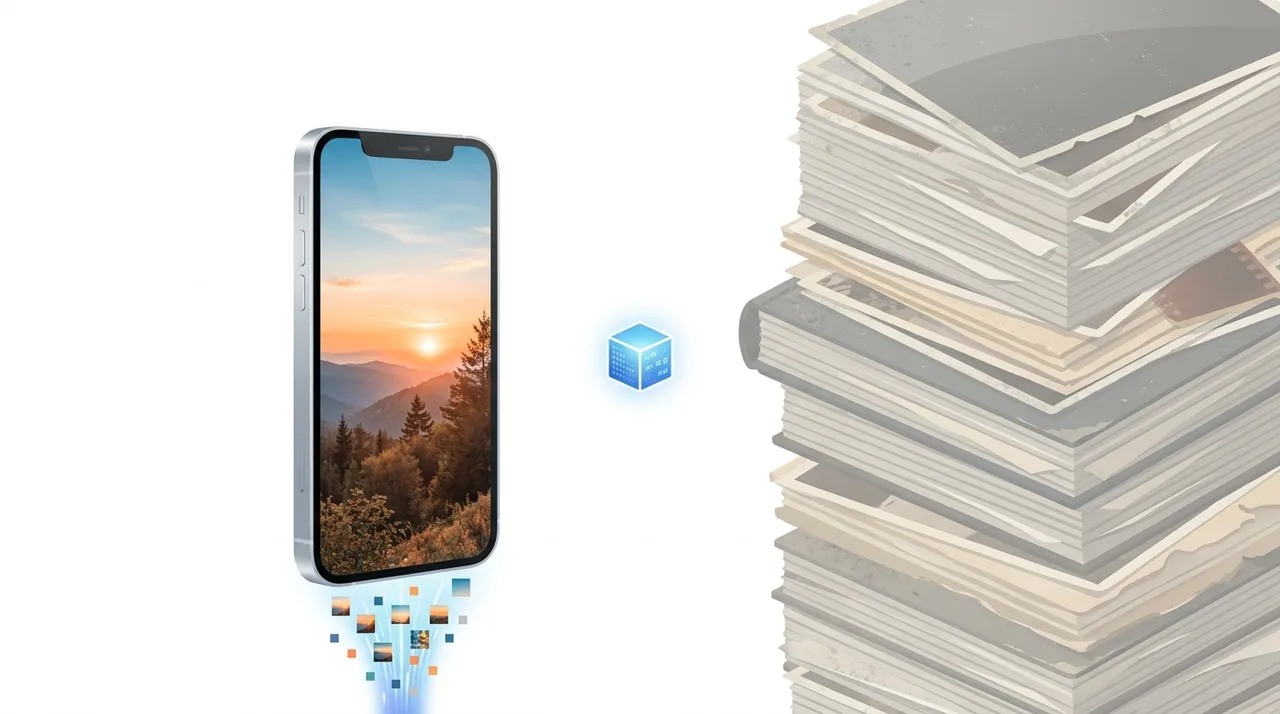
HEIC es el formato de foto predeterminado de Apple en iPhones y iPads desde iOS 11 (2017), que almacena imágenes comprimidas con HEVC dentro de un contenedor HEIF a aproximadamente la mitad del tamaño de un JPG equivalente. Su fuerza está en la eficiencia y en funciones avanzadas como mapas de profundidad, Live Photos y HDR de 10 bits; el problema es la portabilidad, ya que la mayoría de los navegadores, las aplicaciones de Windows y los sitios web no abren archivos .heic sin ayuda. Para el uso diario dentro del ecosistema Apple, HEIC es excelente, pero en cuanto compartes una foto con un dispositivo no Apple o la subes en línea, convertirla a JPG o PNG suele ser lo más seguro.
Esta guía describe funciones de los formatos y ajustes disponibles en distintos programas. En WeLoveConvert eliges el formato de salida y, para imágenes compatibles, la calidad. La interfaz no ofrece selección de códec, tasa de bits, WebP sin pérdidas ni páginas TIFF. Compara el resultado y conserva el original.
summarizePuntos Clave
- check_circleHEIC es el archivo .heic que Apple usa para las fotos del iPhone; combina compresión HEVC dentro de un contenedor HEIF para archivos ~50% más pequeños que JPG.
- check_circleAdmite datos avanzados que un JPG no puede: HDR de 10 bits, mapas de profundidad, transparencia, Live Photos y varias imágenes en un solo archivo.
- check_circleLa compatibilidad es la desventaja: sin soporte nativo en navegadores y con manejo limitado en Windows/Android sin extensiones.
- check_circlePara compartir o subir a la web, convierte HEIC a JPG (más pequeño, universal) o PNG (sin pérdidas, con transparencia) antes de enviarlo.
Visión Técnica de HEIC y HEIF
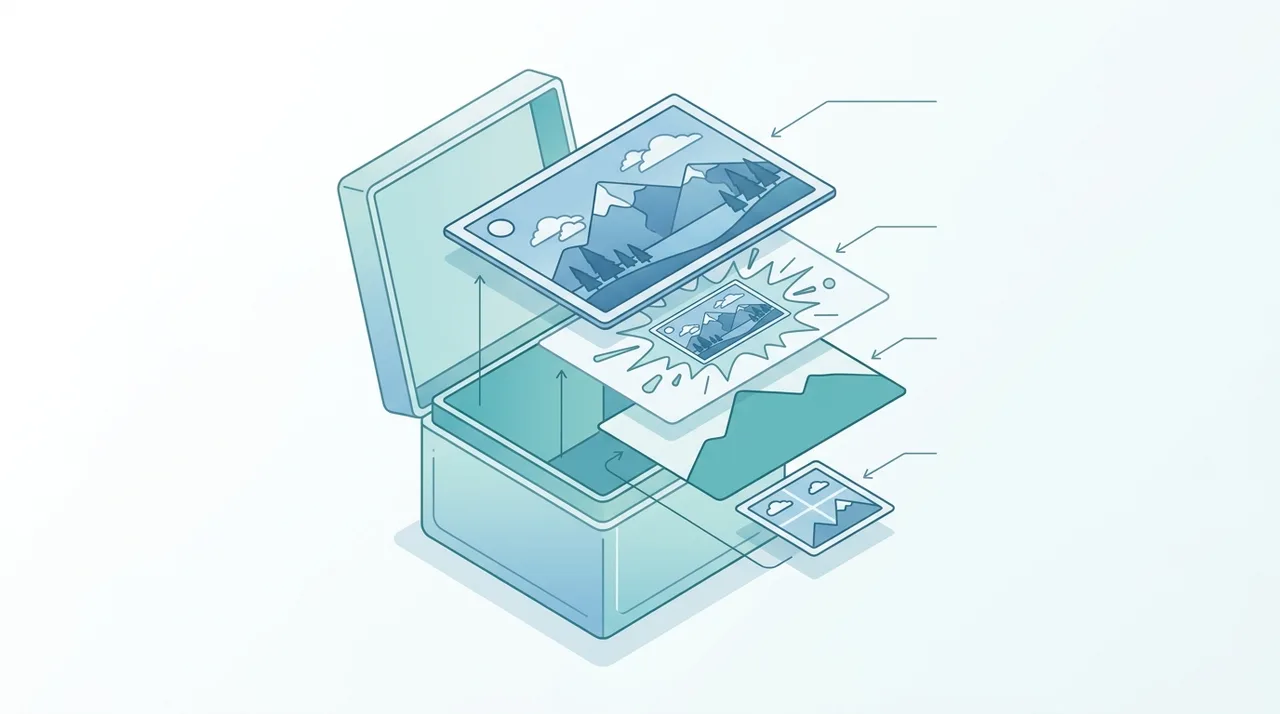
HEIC es la implementación específica de Apple del estándar más amplio HEIF (ISO/IEC 23008-12), que fue finalizado por el Moving Picture Experts Group (MPEG) en 2015. HEIF es un formato contenedor que puede albergar imágenes comprimidas con diferentes códecs; Apple eligió HEVC (High Efficiency Video Coding, también conocido como H.265) como códec de compresión, lo que da como resultado archivos con la extensión .heic. HEVC aplica técnicas avanzadas de predicción intracuadro de la compresión de video a imágenes estáticas, dividiendo las imágenes en unidades de árbol de codificación (CTUs) que pueden variar de 16x16 a 64x64 píxeles, permitiendo que el codificador adapte los tamaños de bloque al contenido de la imagen para una compresión óptima. HEIC admite profundidad de color de 8 bits y 10 bits por canal, habilitando contenido HDR (High Dynamic Range) con gamas de color más amplias como Display P3. Un solo archivo HEIC puede contener múltiples imágenes, mapas de profundidad, canales alfa para transparencia e imágenes auxiliares como miniaturas.
Ventajas y Limitaciones del HEIC
check_circleVentajas
- addCerca de 50% más pequeño que JPG con la misma calidad visual, duplicando el almacenamiento efectivo en el iPhone
- addLleva HDR de 10 bits y color amplio Display P3 que el pipeline de 8 bits del JPG no reproduce
- addUn solo contenedor guarda extras: mapas de profundidad, Live Photos, ráfagas, transparencia y miniaturas
- addLos metadatos no destructivos registran recortes y rotaciones sin recodificar los píxeles
- addCaptura gradientes más finos con menos banding en cielos y sombras que el JPG
cancelLimitaciones
- removeSin soporte nativo en navegadores, por lo que los archivos .heic no se pueden mostrar en páginas web
- removeWindows necesita las HEVC Video Extensions de pago y el soporte en Android es inconsistente
- removeEl licenciamiento de patentes del HEVC bloquea la adopción amplia de terceros y añade fricción legal
- removeMuchos formularios de redes sociales, correo y subida rechazan o manejan mal los archivos HEIC en silencio
Cuándo Usar HEIC (y Cuándo No)
HEIC brilla dentro del mundo Apple y tropieza en cuanto la foto sale de él. Usa esta lista para decidir si conservas el archivo .heic o lo conviertes primero.
- Conserva HEIC al almacenar bibliotecas de fotos del iPhone, ya que el ahorro de ~50% permite caber casi el doble de imágenes con la misma calidad.
- Conserva HEIC para editar en Apple Fotos, Lightroom o Affinity, donde los mapas de profundidad y los datos HDR de 10 bits se mantienen intactos.
- Convierte a JPG con nuestro conversor de HEIC a JPG antes de enviar por correo, publicar en redes sociales o subir a cualquier sitio web.
- Convierte a PNG con la herramienta HEIC a PNG cuando necesites calidad sin pérdidas o un fondo transparente para diseño.
- Evita HEIC en páginas web y subidas a CMS: los navegadores no pueden mostrarlo de forma nativa, a diferencia de formatos como qué es PNG.
- Usa nuestro conversor de archivos gratuito para lotes; el procesamiento se ejecuta localmente en el navegador, así que las fotos nunca salen de tu dispositivo.
HEIC vs PNG vs WebP vs AVIF
JPG es el rival obvio, pero los verdaderos pares de HEIC son los formatos modernos que compiten por compresión y compatibilidad. Mira cómo se compara con el veterano sin pérdidas PNG y el nativo de la web WebP.
| Feature | HEIC | PNG | WebP | AVIF |
|---|---|---|---|---|
| Tamaño típico de foto de 12MP | ~1,5 MB | ~8-12 MB | ~1,8 MB | ~1,2 MB |
| Tipo de compresión | Con pérdidas (HEVC) | Sin pérdidas | Con y sin pérdidas | Con y sin pérdidas |
| Soporte en navegadores | Ninguno nativo | Universal | Universal (modernos) | Amplio (modernos) |
| HDR de 10 bits | Sí | No | Limitado | Sí |
| Transparencia | Sí | Sí | Sí | Sí |
| Códec libre de regalías | No (patentes HEVC) | Sí | Sí | Sí (AV1) |
| Mejor función | Almacenamiento iPhone | Gráficos sin pérdidas | Entrega web | Web de nueva generación |
Cómo Convertir HEIC a JPG o PNG
- 1
Identifica tus archivos HEIC
Los archivos HEIC de un iPhone tienen típicamente la extensión .heic o .HEIC. Al transferir fotos de tu iPhone, verifica tus ajustes de iOS en Cámara > Formatos para ver si está seleccionado "Alta Eficiencia" (HEIC) o "Más Compatible" (JPG).
- 2
Sube los archivos HEIC a WeLoveConvert
Abre el conversor HEIC de WeLoveConvert en tu navegador y sube tus archivos HEIC. La herramienta gestiona la decodificación HEIC directamente en tu navegador, sin subir archivos a ningún servidor.
- 3
Elige tu formato de salida
Selecciona JPG para fotografías que quieras compartir ampliamente, o PNG si necesitas preservar la transparencia o requieres calidad sin pérdidas. Ajusta la configuración de calidad para la salida JPG.
- 4
Descarga los archivos convertidos
La conversión se procesa localmente y produce archivos JPG o PNG estándar, compatibles con todos los dispositivos, navegadores y aplicaciones. Descárgalos y úsalos donde quieras.
La Historia del HEIC y la Adopción por Apple
El estándar HEIF fue desarrollado por MPEG y publicado como ISO/IEC 23008-12 en 2015, construido sobre décadas de trabajo en compresión de video que produjo el códec altamente eficiente HEVC (H.265). Apple se convirtió en la primera gran empresa tecnológica en adoptar HEIF a escala cuando anunció el soporte HEIC en la WWDC 2017, junto con iOS 11 y macOS High Sierra. La motivación de Apple era práctica: los iPhones estaban generando bibliotecas de fotos cada vez más grandes, y la reducción del 50% del HEIC se traducía directamente en duplicar el número de fotos que cabían en un dispositivo. Apple también aprovechó las capacidades de contenedor del HEIC para Live Photos y mapas de profundidad del modo retrato. A pesar del impulso de Apple, la adopción del HEIC fuera del ecosistema Apple ha sido lenta. El complejo panorama de licenciamiento de patentes del códec HEVC ha desalentado a los proveedores de navegadores y otras plataformas a la hora de añadir soporte nativo. Esta situación fragmentada de licenciamiento llevó directamente al desarrollo de alternativas libres de regalías como AVIF, basado en el códec de video AV1.
Preguntas Frecuentes
¿Cuál es la diferencia entre HEIC y HEIF?
HEIF (High Efficiency Image Format) es el estándar más amplio que define el formato contenedor. HEIC es la implementación específica que usa el códec HEVC para la compresión. En la práctica, los archivos con extensión .heic son contenedores HEIF que usan compresión HEVC. Apple usa la extensión HEIC para las fotos tomadas en dispositivos iOS.
¿Por qué mi iPhone guarda las fotos como HEIC?
Desde iOS 11, los iPhones guardan las fotos en formato HEIC de forma predeterminada porque produce archivos aproximadamente un 50% más pequeños que JPG con la misma calidad. Esto ahorra un espacio de almacenamiento significativo en tu dispositivo. Puedes cambiarlo en Ajustes > Cámara > Formatos, eligiendo "Más Compatible" para guardar como JPG.
¿Puedo abrir archivos HEIC en Windows?
Sí, pero puede que necesites instalar extensiones de la Microsoft Store. Windows 10 y 11 requieren las HEIF Image Extensions gratuitas y las HEVC Video Extensions (que pueden tener un pequeño costo) para mostrar archivos HEIC en Fotos y en el Explorador de Archivos. Una vez instaladas, los archivos HEIC funcionan como cualquier otro formato de imagen.
¿Por qué no puedo subir archivos HEIC a sitios web?
La mayoría de los sitios web y navegadores web no admiten HEIC de forma nativa. La complejidad del licenciamiento de patentes del formato ha impedido que los proveedores de navegadores añadan soporte integrado. Para compartir fotos HEIC en línea, conviértelas primero a JPG o PNG usando una herramienta como WeLoveConvert.
¿Convertir HEIC a JPG pierde calidad?
Hay cierta pérdida de calidad porque estás recodificando de un formato con pérdidas a otro. Sin embargo, como los archivos HEIC de los iPhones se capturan en alta calidad, convertir a JPG con calidad 90-95 produce resultados visualmente indistinguibles del original HEIC para la mayoría de los propósitos.
¿Cómo hago que mi iPhone deje de tomar fotos en HEIC?
Ve a Ajustes > Cámara > Formatos y selecciona "Más Compatible." Esto hace que tu iPhone capture las fotos en formato JPG. Ten en cuenta que esto aumenta el tamaño de los archivos en aproximadamente el doble y desactiva algunas funciones como la captura HDR de 10 bits.
¿Es HEIC mejor que WebP?
HEIC ofrece una compresión ligeramente mejor que WebP en muchos casos y admite HDR de 10 bits, algo que WebP no hace. Sin embargo, WebP tiene soporte universal en navegadores y licenciamiento libre de regalías, lo que lo hace mucho más práctico para uso web. HEIC es mejor para el almacenamiento en dispositivos, mientras que WebP es mejor para la entrega web.
¿Los teléfonos Android pueden abrir archivos HEIC?
Algunos dispositivos Android con Android 9 (Pie) o posterior pueden abrir archivos HEIC, pero el soporte varía significativamente según el fabricante y el modelo. Google Photos en Android puede mostrar archivos HEIC. Para una compatibilidad garantizada, se recomienda convertir el HEIC a JPG antes de transferirlo a dispositivos Android.
¿Es HEIC lo mismo que HEIF?
No exactamente. HEIF es el estándar del contenedor (ISO/IEC 23008-12), mientras que HEIC es el nombre que Apple da a un archivo HEIF que usa compresión HEVC (H.265). Todo archivo .heic es un contenedor HEIF, pero no todo archivo HEIF usa el códec HEVC, algunos usan AV1 y llevan la extensión .avif.
¿HEIC reduce la calidad de la foto frente al original?
HEIC es un formato con pérdidas, así que descarta algunos datos durante la captura, pero lo hace de forma mucho más eficiente que JPG. Con el mismo tamaño de archivo, HEIC conserva más detalle, gradientes más suaves y color de 10 bits, por eso una foto HEIC del iPhone suele verse mejor que un JPG de igual tamaño a pesar de la compresión.
¿Cómo sé si una foto es HEIC?
Revisa la extensión del archivo: las fotos HEIC terminan en .heic o .HEIF. En un Mac, selecciona el archivo y pulsa Comando-I para ver el tipo en General. En Windows, haz clic derecho y mira Propiedades, el tipo aparecerá como Imagen HEIF. Si tus programas no pueden abrirlo, es una señal clara de que es HEIC.
HEIC es uno de los formatos de imagen más inteligentes en uso diario, reduciendo a la mitad el tamaño de las fotos del iPhone mientras añade datos de HDR, profundidad y Live Photo que el JPG simplemente no puede guardar. El problema nunca cambia: en cuanto la foto sale del ecosistema Apple, esa eficiencia se convierte en un muro de compatibilidad. Conserva tus originales en HEIC para almacenamiento y edición, y luego convierte copias para todo lo demás. Cuando necesites un archivo para compartir, nuestro conversor de HEIC a JPG transforma el formato eficiente de Apple en uno que todo dispositivo, navegador y plataforma puede abrir, todo procesado de forma privada en tu navegador.