
What Is GIF? Complete Guide to the Graphics Interchange Format
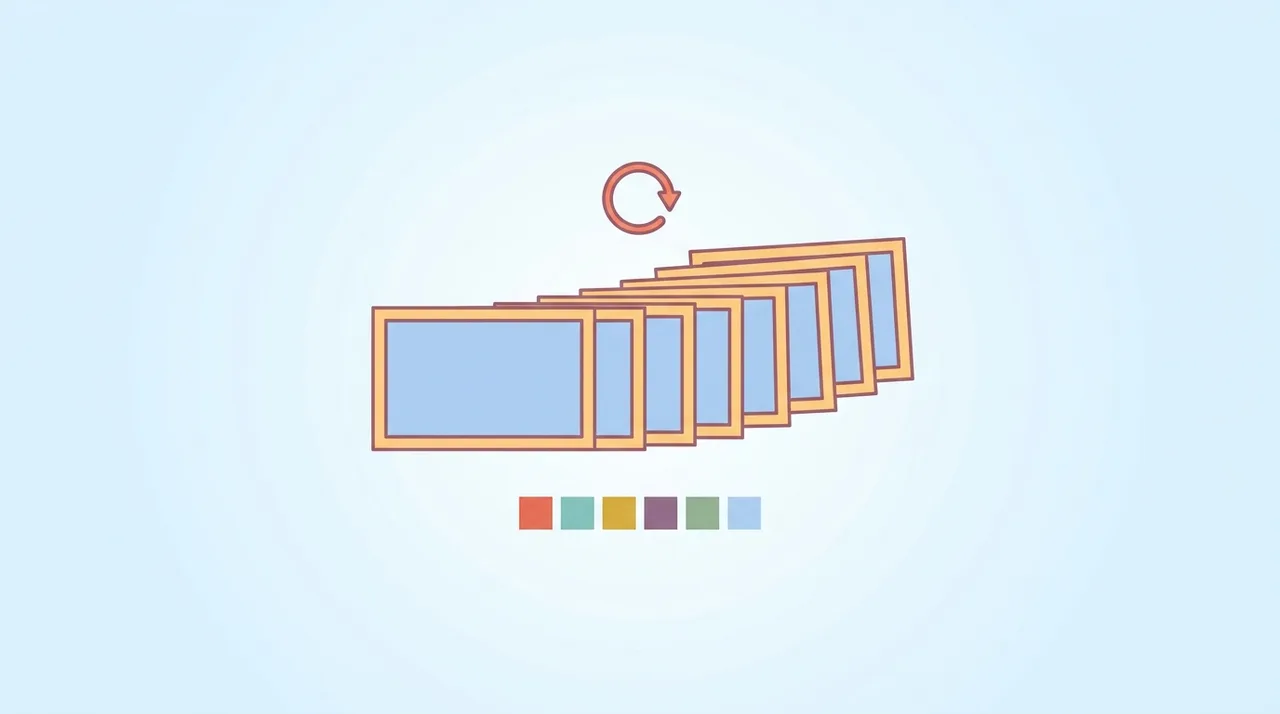
GIF (Graphics Interchange Format) is a raster image format that stores one or more frames using lossless LZW compression and an indexed palette capped at 256 colors per frame. Its signature feature is built-in animation: a single .gif file can hold many frames that play as a loop, with no audio and no video player required. Created by CompuServe in 1987 and extended in 1989 to add animation and transparency, GIF remains universally supported across browsers, email clients, and messaging apps. It excels at short flat-color animations and tiny graphics, but its color ceiling and bulky frame storage make it a poor fit for photos or long clips.
This guide describes format capabilities and settings available in different programs. In WeLoveConvert you select the output format and, for supported images, quality. Codec, bitrate, lossless WebP mode and TIFF page selection are not available in the interface. Compare the result and keep your original.
summarizeKey Takeaways
- check_circleGIF stores up to 256 colors per frame using lossless LZW compression, so it is ideal for flat graphics and short animations but weak for photographs.
- check_circleAnimation is GIF's defining feature: multiple frames loop in one self-contained file with no audio and no player dependency.
- check_circleTransparency is binary only (a single palette color is fully transparent), which produces jagged edges that PNG and WebP avoid with true alpha channels.
- check_circleFor the same animation, modern formats like animated WebP, APNG, or MP4/WebM video are typically 50-90% smaller at equal or better quality.
Technical Overview of the GIF Format
GIF uses the Lempel-Ziv-Welch (LZW) lossless compression algorithm, which works by replacing repeated patterns of data with shorter codes. Each GIF frame uses an indexed color palette of up to 256 colors selected from the full 24-bit RGB color space. This means every pixel in a GIF maps to one of 256 entries in a color lookup table. For images with few colors (icons, logos, simple graphics), this produces excellent compression. For photographs with millions of subtle color variations, the forced reduction to 256 colors creates visible banding and dithering artifacts. GIF supports two versions: GIF87a (the original specification) and GIF89a (the 1989 extension that added animation, transparency, and text overlays). Animated GIFs work by storing multiple frames in a single file, each with its own optional local color palette, delay time, and disposal method. A transparency index can designate one color in the palette as transparent, but this is binary (fully transparent or fully opaque) with no semi-transparency support. GIF images can be interlaced for progressive display, showing a low-resolution preview that sharpens as the file loads.
Advantages and Limitations of GIF
check_circleAdvantages
- addAnimates in a single self-contained file with no video player or plugin required
- addUniversally supported in browsers, email clients, and messaging apps after nearly four decades
- addLossless LZW compression keeps flat-color graphics and icons pixel-perfect within the palette
- addPatent-free since 2004, with simple, well-documented structure that any tool can read or write
cancelLimitations
- removeHard ceiling of 256 colors per frame causes banding and dithering on photos and gradients
- removeAnimation files balloon in size because each frame is stored as a near-complete image
- removeTransparency is binary only, leaving hard, jagged edges instead of smooth anti-aliased ones
- removeNo audio and weak compression versus modern WebP, APNG, or H.264 video
When to Use GIF (and When Not To)
GIF is the right tool when universal playback matters more than file size or color fidelity. Reach for a modern alternative whenever quality, weight, or longer runtime are priorities.
- Use GIF for short, looping reactions, memes, and chat stickers where every platform must render it without a video player.
- Use GIF for tiny flat-color UI animations like spinners or simple step-by-step screen recordings of a few seconds.
- Use GIF in email marketing, where animated WebP and video are often blocked but GIF animates everywhere.
- Avoid GIF for photographic content; convert it with GIF to JPG so the image can use millions of colors instead of 256.
- Avoid GIF when you only need one still frame; extract it with GIF to PNG to keep lossless quality and add real transparency.
- Avoid GIF for clips longer than a few seconds; a short MP4 or animated WebP made in our file converter is far smaller.
GIF vs WebP vs APNG vs MP4: Animated Format Comparison
GIF wins on raw compatibility, but every modern alternative beats it on size and color. This table maps the trade-offs against WebP and short-form video so you can pick the right target.
| Feature | GIF | WebP (animated) | APNG | MP4 (H.264) |
|---|---|---|---|---|
| Colors per frame | 256 (indexed) | 16.7 million | 16.7 million | 16.7 million |
| Transparency | Binary on/off | Full alpha | Full alpha | None |
| Typical 3s clip size | ~3-8 MB | ~0.5-1.5 MB | ~1-3 MB | ~0.2-0.6 MB |
| Audio support | No | No | No | Yes |
| Browser support | Universal | All modern | All modern | Universal |
| Email client support | Excellent | Poor | Poor | None |
How to Convert GIF to Other Formats
- 1
Determine your conversion goal
For static extraction, convert to PNG to preserve quality. For smaller animated files, convert to animated WebP. For photographic content trapped in GIF, convert to JPG for better color representation.
- 2
Upload your GIF file
Open WeLoveConvert and upload the GIF file you want to convert. The tool detects whether the GIF is animated or static and offers appropriate options.
- 3
Choose output format and options
Select PNG for a static frame extraction, JPG for photographic conversion, or WebP for a modern alternative. For animated GIFs, you can extract individual frames or convert the entire animation.
- 4
Download the result
The conversion runs in your browser. Download the converted file and verify it meets your needs for quality, file size, and compatibility.
The History of GIF and Its Cultural Impact
GIF was created by Steve Wilhite and his team at CompuServe in 1987, originally designed to provide a color image format for their online service at a time when most images were monochrome. The format used LZW compression, which was efficient and allowed for reasonably small file sizes over the slow dial-up connections of the era. The GIF89a extension in 1989 added animation support, which would later become the format's most iconic feature. In the 1990s, animated GIFs were ubiquitous on early websites: spinning globes, "under construction" signs, and dancing hamsters defined the visual aesthetic of the early web. GIF's popularity temporarily declined in the mid-2000s as richer web technologies emerged, but it experienced a massive cultural renaissance starting around 2012 when platforms like Tumblr, Twitter, and messaging apps embraced GIFs as a communication medium. Today, GIPHY and Tenor serve billions of GIF views daily. The format has transcended its technical origins to become a cultural artifact and a universal language for expressing emotions online. The pronunciation debate (hard G versus soft G) was addressed by creator Steve Wilhite, who stated it uses a soft G (like "jif"), though the hard G pronunciation remains more common in practice.
Frequently Asked Questions
Is GIF pronounced with a hard or soft G?
GIF creator Steve Wilhite stated it should be pronounced with a soft G ("jif"), like the peanut butter brand. However, the hard G pronunciation ("gif" as in "gift") is more widely used. Both pronunciations are accepted, and the debate has become a cultural phenomenon in itself.
Why are GIF files so large for animations?
Each frame of an animated GIF is stored as a complete or partially complete image. A 3-second GIF at 15 frames per second contains 45 individual images. Combined with the LZW compression algorithm (which is less efficient than modern alternatives), animated GIFs can easily reach several megabytes for just a few seconds of content.
Can GIF support more than 256 colors?
Each individual frame is limited to 256 colors, but animated GIFs can use different 256-color palettes for each frame. Some tools exploit this to display more colors across an animation, though each single frame remains limited. For full-color images, PNG, JPG, or WebP are better choices.
Does GIF support transparency?
GIF supports binary transparency, where one color in the palette is designated as fully transparent. However, it does not support semi-transparency (alpha channel), meaning edges against transparent backgrounds often show jagged artifacts. PNG and WebP both offer full alpha transparency with smooth anti-aliased edges.
What is a better alternative to animated GIF?
Animated WebP offers the same functionality with 24-bit color, full alpha transparency, and files that are 50-90% smaller. For longer animations, short video formats like MP4 or WebM provide even better compression with audio support. APNG (Animated PNG) is another alternative that offers lossless animation with full color support.
Why do some platforms convert GIFs to video?
Platforms like Twitter and Imgur automatically convert uploaded GIFs to MP4 or WebM video because video files are dramatically smaller. A 10MB GIF might convert to a 500KB video with identical visual quality. This saves bandwidth and improves loading times for users.
Can I make a GIF from a video?
Yes, many tools can extract a portion of a video and convert it to GIF. However, be aware that the resulting GIF will be limited to 256 colors per frame and will likely be much larger than the original video clip. Consider using animated WebP or a short video loop instead for better quality and smaller files.
Are GIF patents still an issue?
No. The LZW compression patents held by Unisys expired in 2003-2004 worldwide. GIF is now completely free to use without any patent concerns. The patent controversy in the 1990s led to the creation of PNG as a patent-free alternative for static images.
How many frames per second can a GIF play?
GIF stores a delay time per frame in hundredths of a second, so in theory any rate is possible. In practice browsers clamp very short delays: a delay of 0 or 1 (10ms or less) is treated as roughly 10 frames per second, while most viewers cap smooth playback near 50 fps. For reliable results across platforms, target 15-24 fps.
What is the maximum size or resolution of a GIF?
The GIF specification allows canvas dimensions up to 65,535 x 65,535 pixels, and there is no hard file-size limit in the format itself. The real limits are practical: large animated GIFs become tens of megabytes quickly, and platforms like Discord, WhatsApp, or X impose their own upload caps, often 8-16 MB, after which the file is rejected or auto-converted to video.
Why does my GIF look grainy or speckled?
That speckled look is dithering. When an image has more than 256 colors, the encoder scatters palette dots to fake the missing shades, which reads as grain. Reducing the number of colors in the source, using a flat-color design, or converting to a true-color format like PNG or WebP removes the effect.
GIF survives less for its engineering and more for its reach: nearly four decades on, it still animates everywhere without a player, which keeps it indispensable for memes, chat, and email. But its 256-color ceiling, binary transparency, and heavy frame storage are real costs. Match the format to the job: keep GIF for maximum compatibility, switch to animated WebP or APNG for quality and smaller files, and use MP4 for anything longer than a few seconds. When you need to move between them, our file converter handles GIF to PNG, JPG, WebP, and video right in your browser.